Pixar coloring pages
This Pixar gallery brings together familiar faces and scenes, from Lightning McQueen on the racetrack to Dory and Marlin in a coral reef. Every page is free, and you don’t need an account. Open a PDF ready to print, with a mix of simple shapes and more detailed drawings to suit different moods and skill levels.
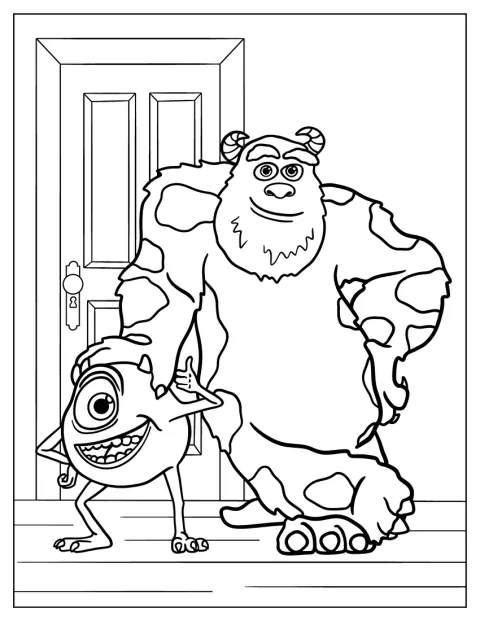
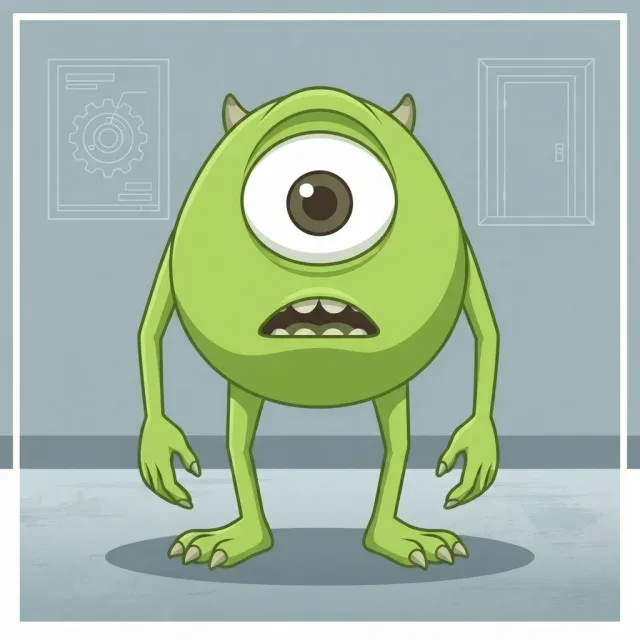
Sully And Mike In Front Of Door Monsters Inc Coloring Page
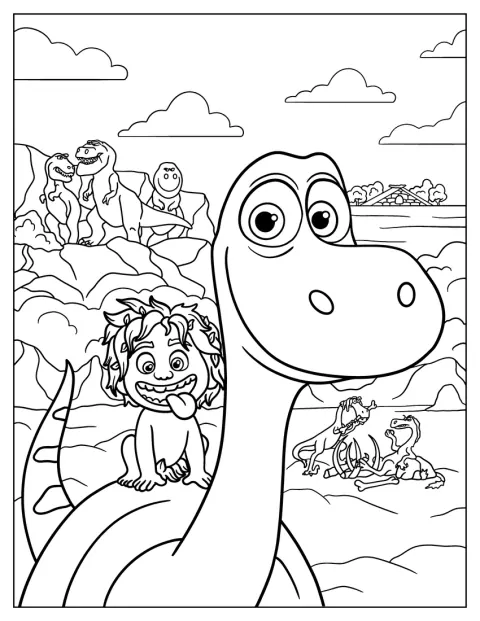
Spot And Arlo Of The Good Dinosaur
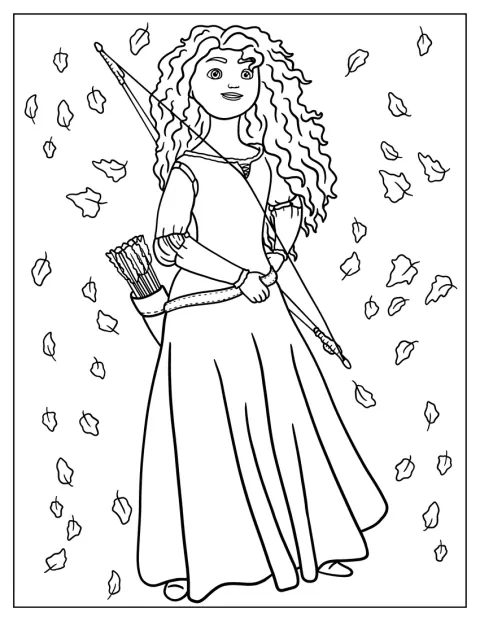
Merida From Brave Holding Bow Coloring Sheet
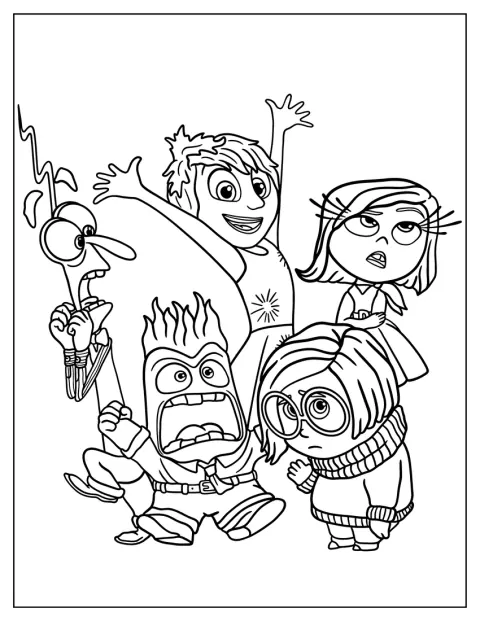
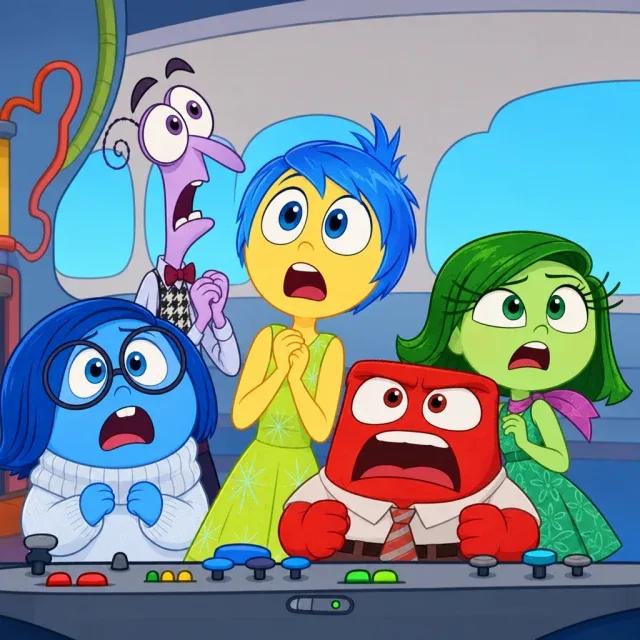
Inside Out Joy, Anger, Fear, Sadness, Disgust Coloring Sheet
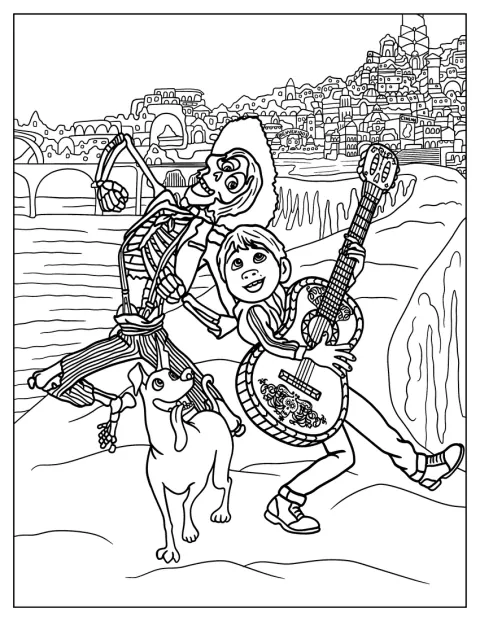
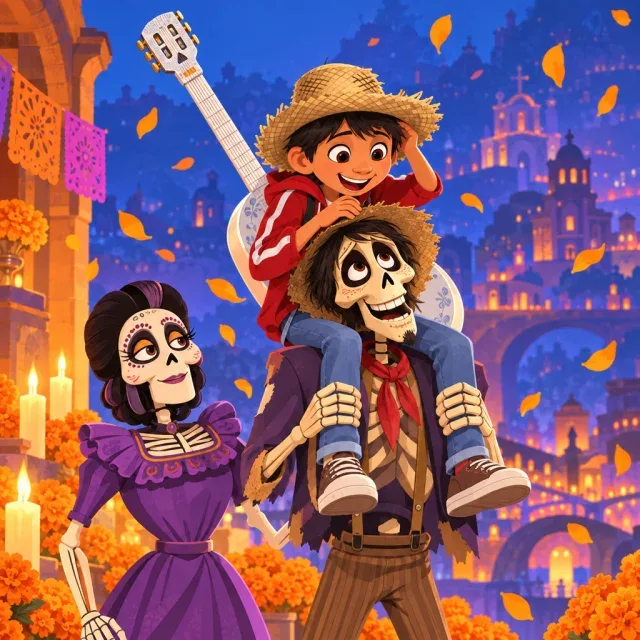
Hector, Coco, And Dante In The Land Of The Dead Coloring Page
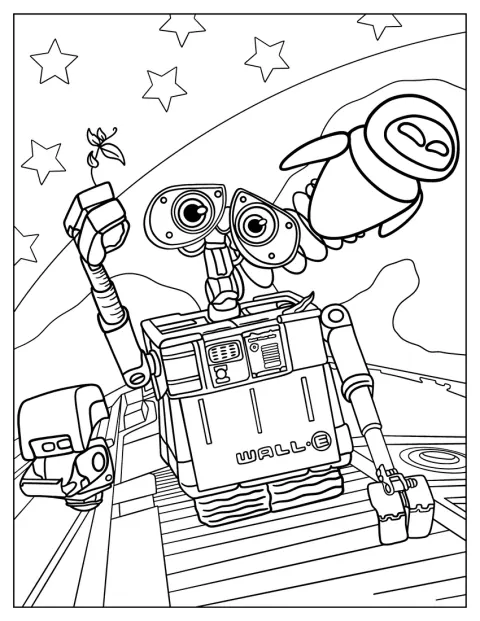
Detailed Wall E With Eve Coloring Page
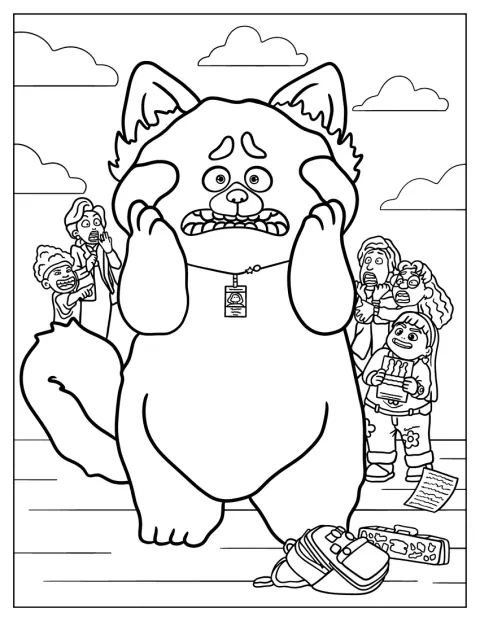
Turning Red Movie Poster Coloring Page
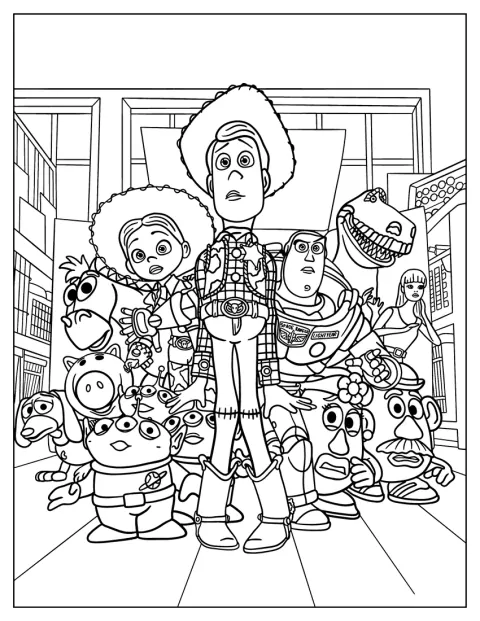
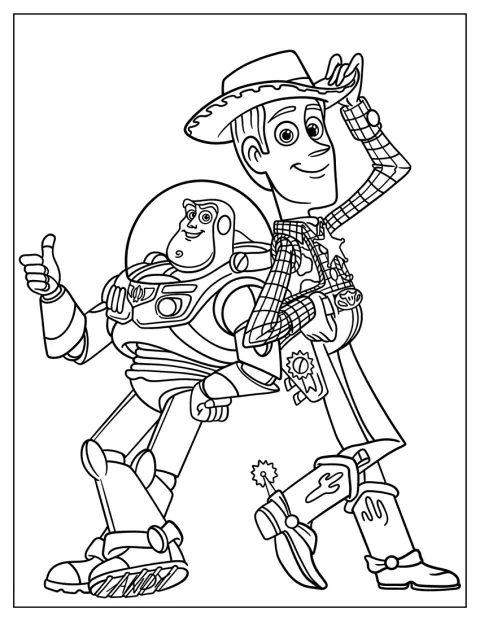
Toy Story Woody, Buzz, And Jessie With Friends
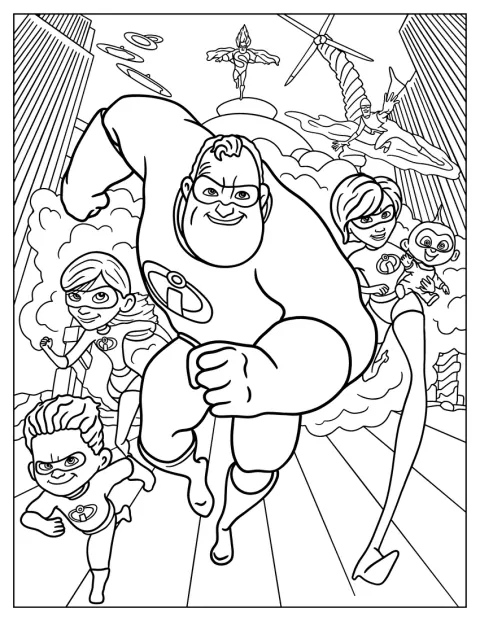
The Incredibles With Syndrome And Frozone Coloring Page
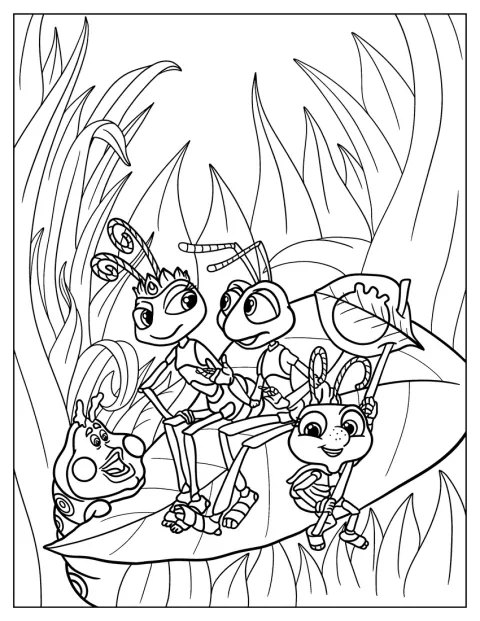
Princess Atta, Flik, Heimlich, And Dot Bug’s Life Coloring Sheet
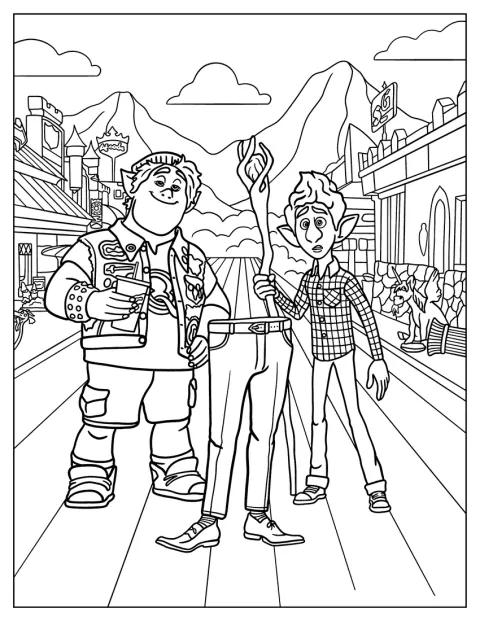
Onward’s Barley And Ian Lightfoot
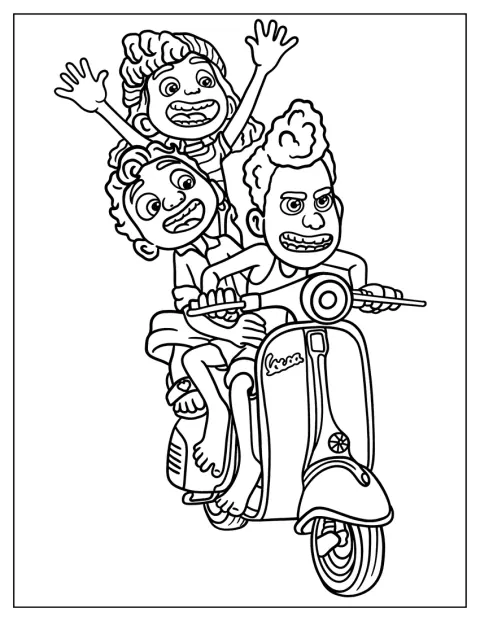
Luca, Alberto, And Guila Riding Scooter Coloring Sheet
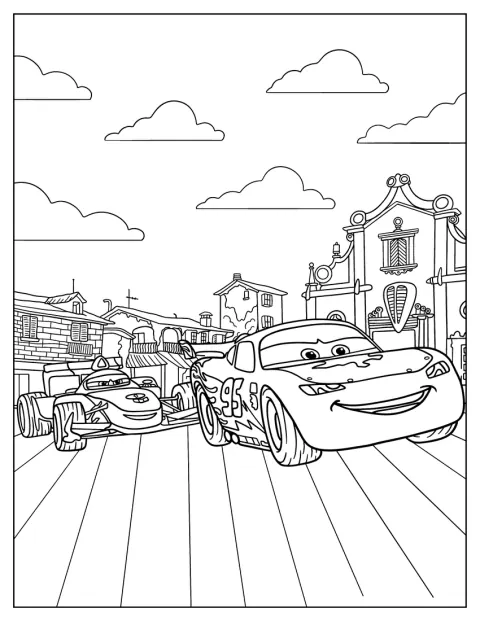
Lightning McQueen Racing Coloring Sheet
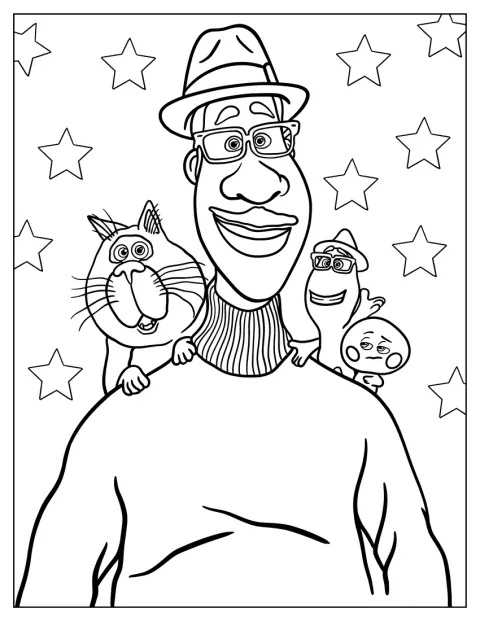
Joe Gardner With 22, Moonwind, And Mittens From Soul Coloring Sheet
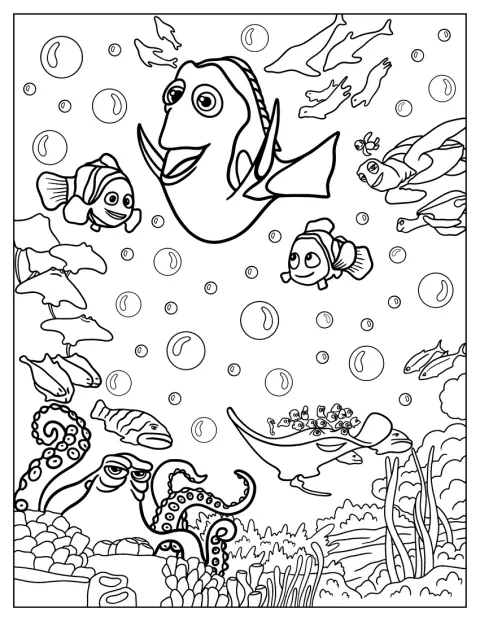
Finding Dory Poster
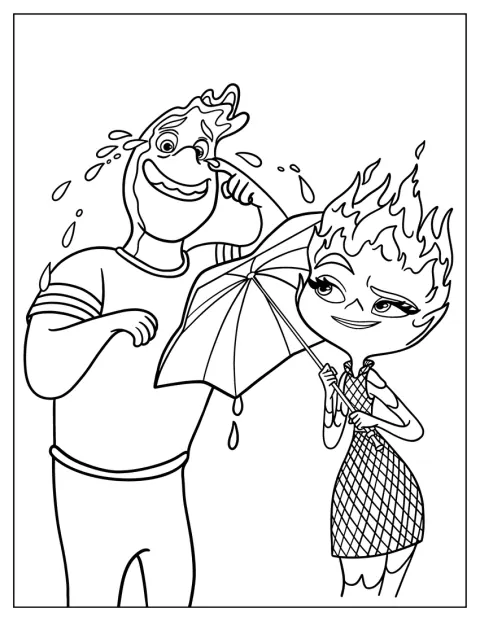
Ember Lumen And Wade Ripple From Elemental
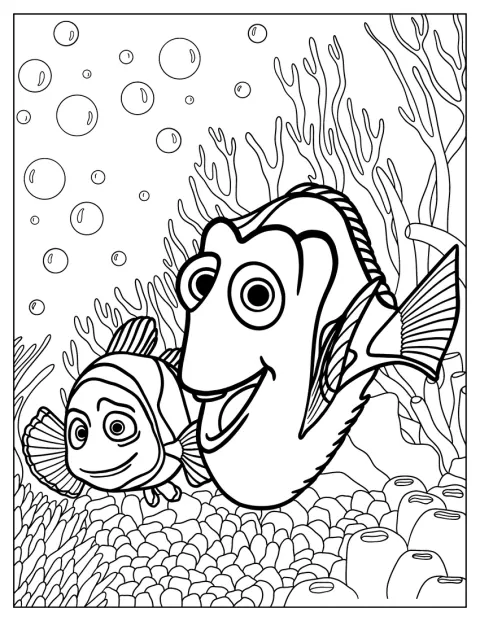
Dory And Marlin In Coral Reef Coloring Page
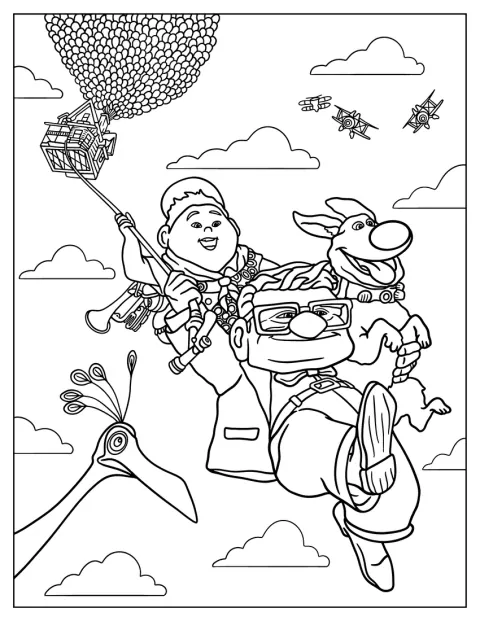
Carl, Russel, And Dug In Up Coloring Sheet
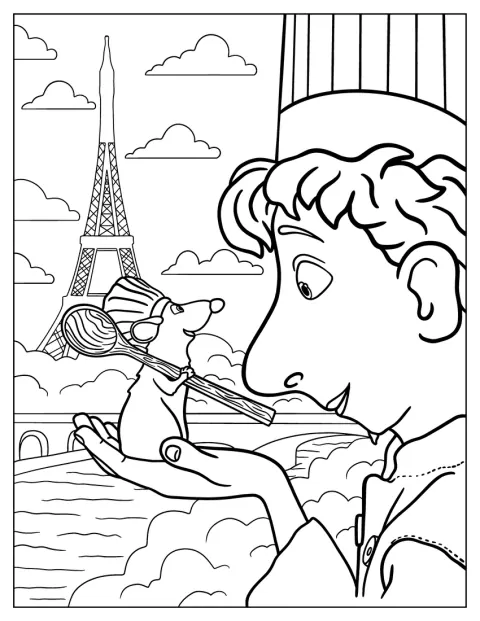
Alfredo And Remy From Ratatouille Coloring Page
No picture found
The pictures in this collection are temporarily unavailable.
See the other collectionsFree, Printable Pixar Coloring Pages
Pick from 20 Pixar coloring pages featuring characters and scenes from movies such as Toy Story, Finding Dory, Coco, Brave, and Inside Out. Some drawings have open, easy-to-color shapes, while others include groups of characters, busy backgrounds, or small details to take your time over.
Recognize Pixar Stories by Their Settings
Look at the setting as well as the characters to give each picture its own story. Dory and Marlin among coral suggest an underwater adventure, while Hector, Coco, and Dante in the Land of the Dead make a lively scene with striking patterns and decorations. For more of that family’s story, browse the Coco coloring pages.
Other scenes offer very different clues: Carl, Russell, and Dug belong in an outdoor adventure, and Ember and Wade bring the glowing colors of Element City to mind. The pictures of Joe Gardner with 22, Moonwind, and Mittens, or Joy, Anger, Fear, Sadness, and Disgust, make a fun starting point for talking about characters and their feelings.
Choose Colors for Each Scene
Use colors that help the setting feel clear. Try blue and teal for the coral reef, then add bright fish and warm coral tones; for the Land of the Dead, combine vivid pink, orange, purple, and turquoise details. A rainbow of colors can make the emotions in Inside Out easy to tell apart.
For character scenes, begin with the colors you remember from the movies, or invent a fresh look. Woody, Buzz, and Jessie can each have a distinct palette, while a red race car makes Lightning McQueen stand out. Pencils work well for small costume details, and broader markers can fill larger areas.
Make a Pixar Scene-Guessing Game
Choose a finished picture and cover the characters’ names. Let someone guess the movie from the setting, props, or faces, then add one sentence about what might happen next. A scene with Woody and Buzz can lead to a Toy Story story; the Toy Story coloring pages are handy when you want to keep that theme going.
For a group activity, give each person one part of a larger scene to color. Agree on a shared palette first, then compare how the finished pieces fit together. This works especially well for the busy group pictures and movie-poster scenes.
Choose a Page by Age and Skill
For a 3-year-old, start with the simple Lightning McQueen racing drawing. Its broad car shape is easier to fill than a picture with many faces and background details. An easy page can help a young child focus on staying inside the main outlines without making the task feel long.
A 7-year-old may enjoy a medium-detail scene, such as Sully and Mike by the door, Remy and Alfredo, or Arlo with Spot. These give children more to notice and color, but still leave room for a quick finish. For kids who like storytelling, Carl, Russell, and Dug or Luca, Alberto, and Giulia riding a scooter can prompt a story as they color.
For adults who want a longer project, choose the detailed group with the Incredibles, Syndrome, and Frozone, or the many characters in A Bug’s Life. The Toy Story scene with Woody, Buzz, Jessie, and their friends has plenty of figures to work through. Merida holding her bow, the detailed Wall-E and Eve drawing, and the Turning Red poster also suit careful shading and fine pencils.
Print Pixar Coloring Pages as PDFs
Each drawing has an “Open the PDF” button to open its file and a “Print” button to print directly, including from a phone. In the print settings, choose fit to page so the full scene stays within the paper edges. Use thicker paper for markers, or regular paper and colored pencils for fine details.