Disney Cars coloring pages
These Disney Cars coloring pages bring Lightning McQueen, Mater, Sally, and their friends together in races, roadside scenes, and portraits. Every page is free, and you don’t need an account. Open a drawing as a PDF, ready to print, and choose from simple outlines or more detailed pictures.
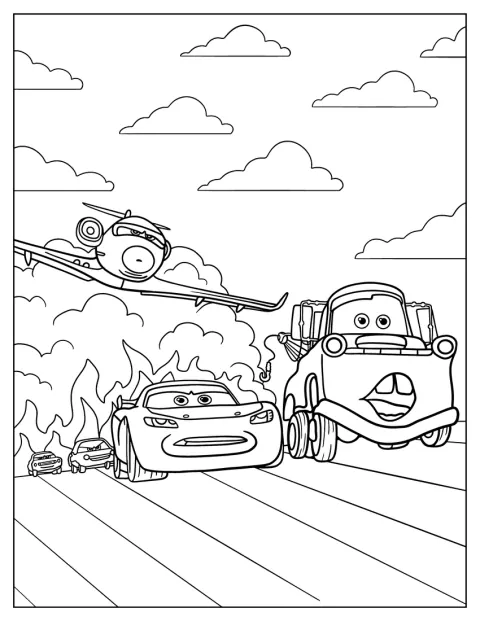
Cars 2 Lightning McQueen, Mater, And Siddeley Being Chased
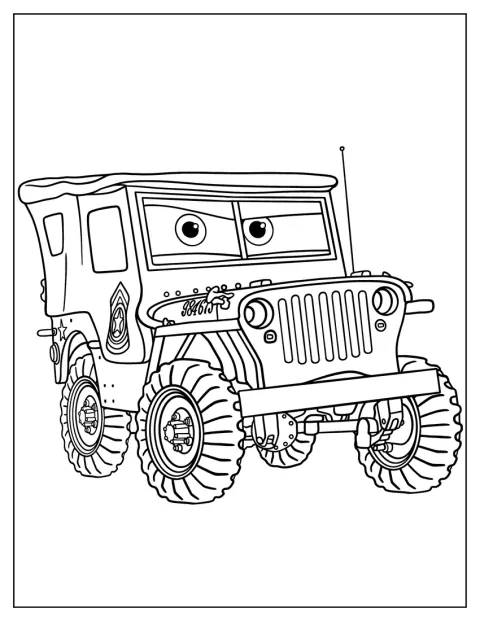
Sarge Coloring Sheet For Kids
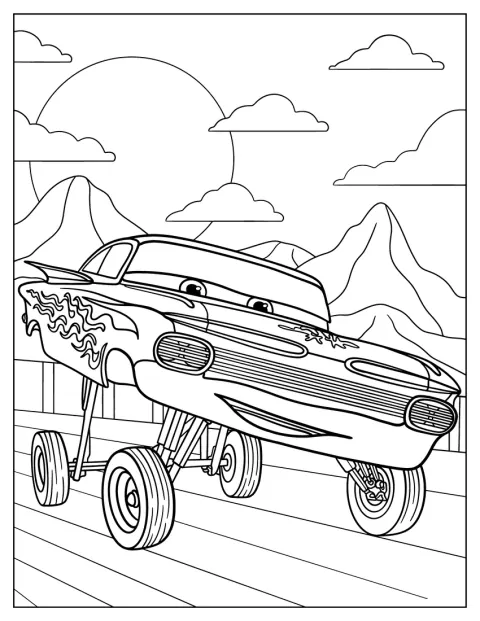
Ramone From Cars 3 Showing Off Coloring Page
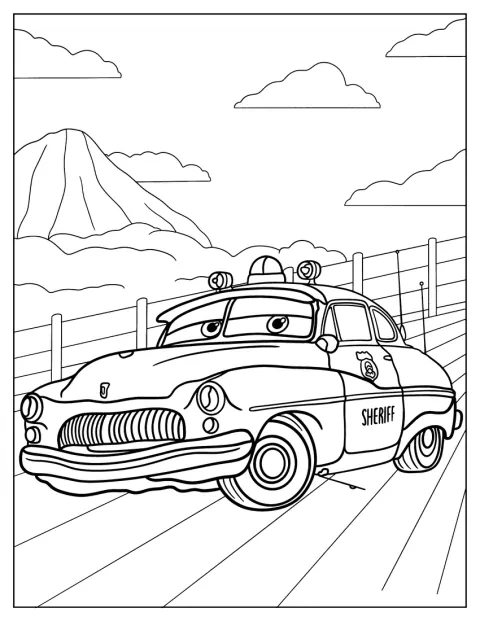
Pixar Cars Sheriff Coloring Page
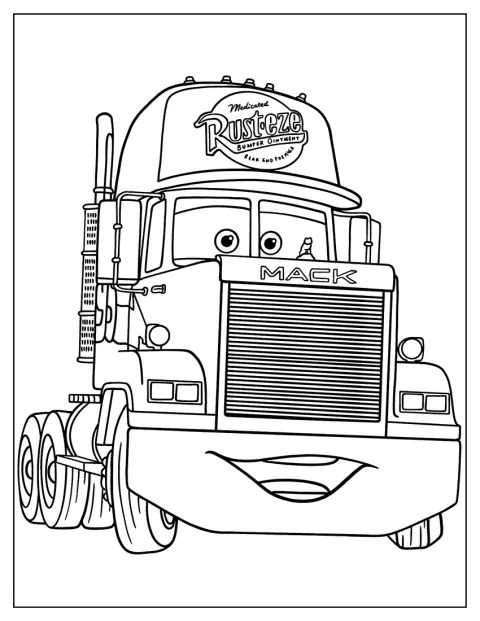
Mack Hauler Truck Coloring Page
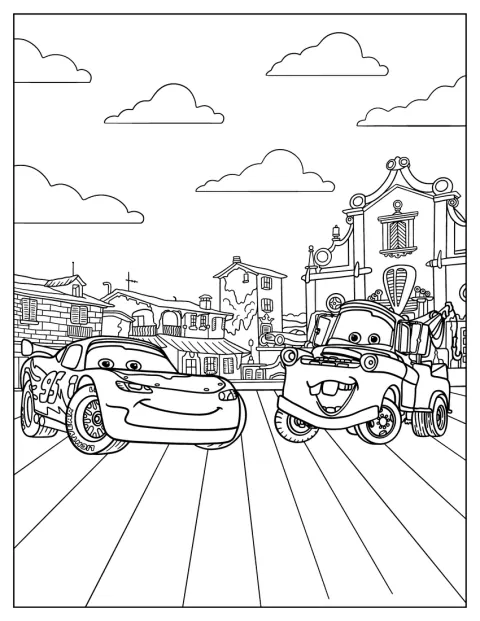
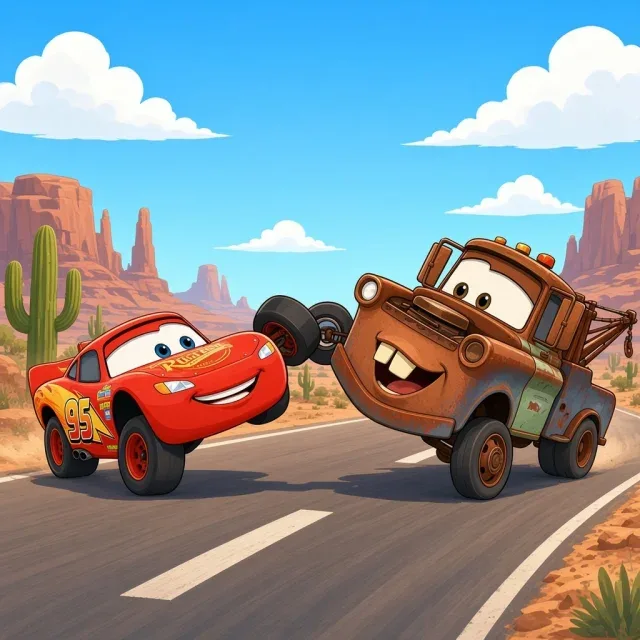
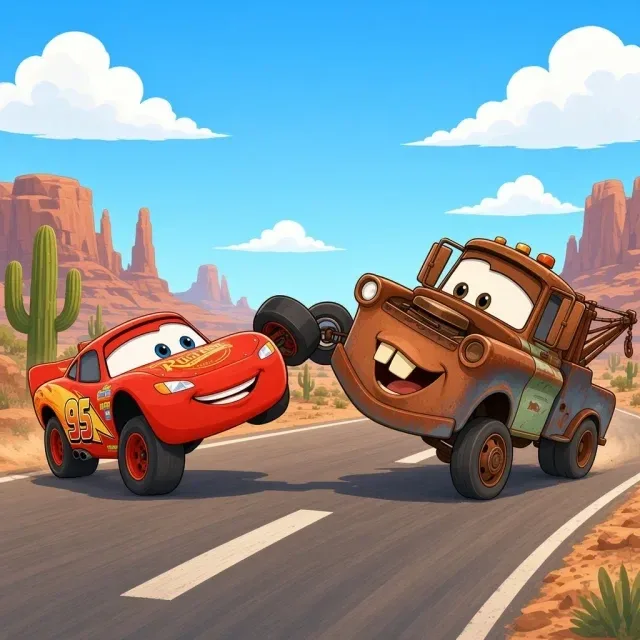
Lightning McQueen With Mater Coloring Page
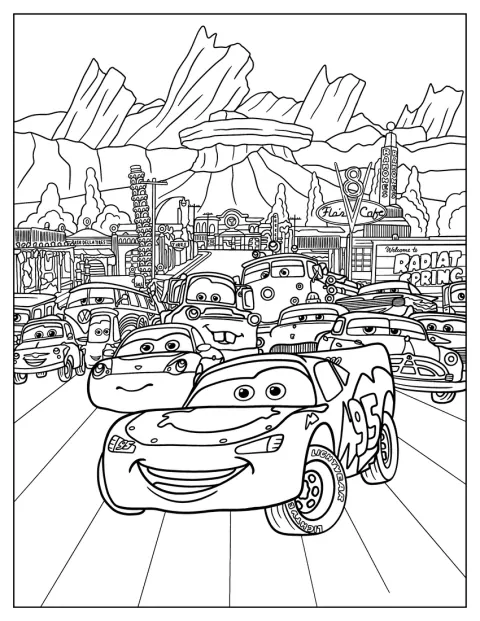
Lightning McQueen With Friends Coloring Page
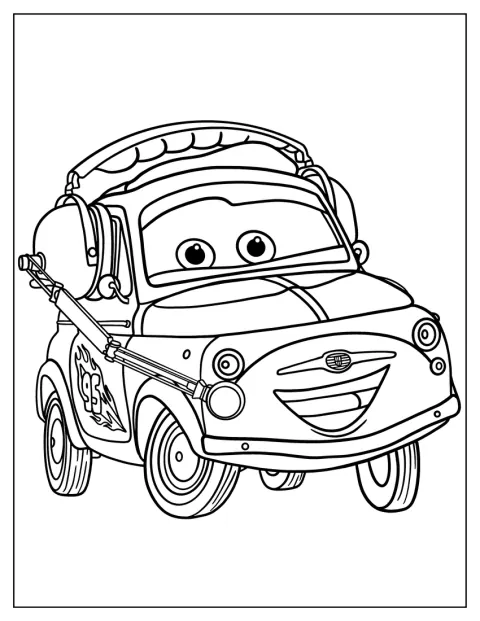
Easy Luigi With Headset Coloring Page
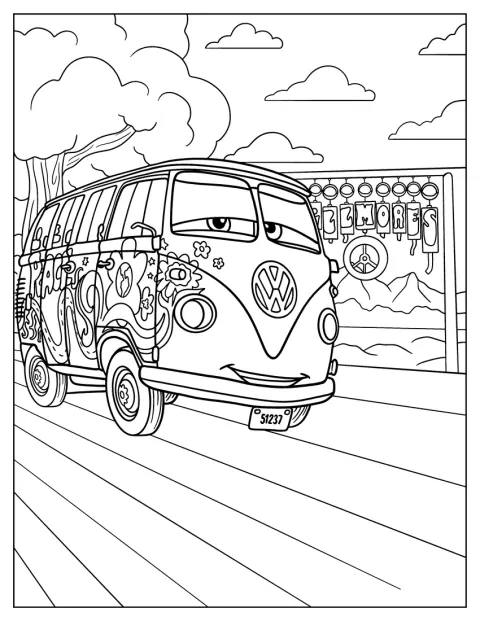
Detailed Fillmore Coloring Sheet
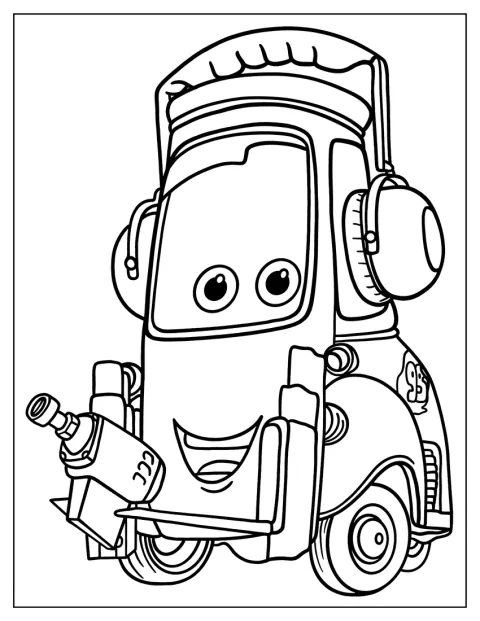
Cute Guido Coloring Sheet For Preschoolers
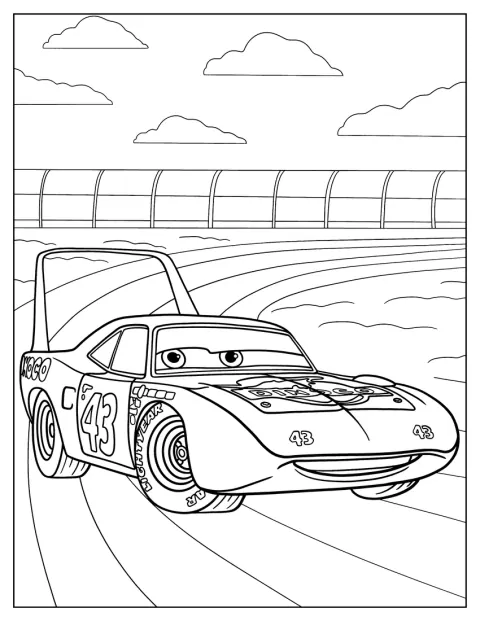
Strip “The King” Weathers Coloring Page
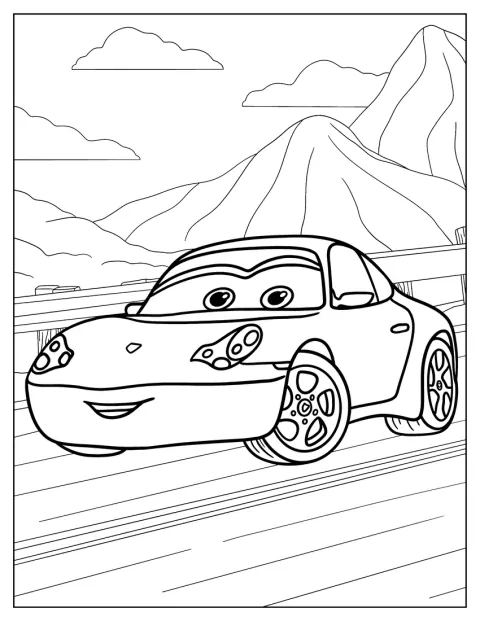
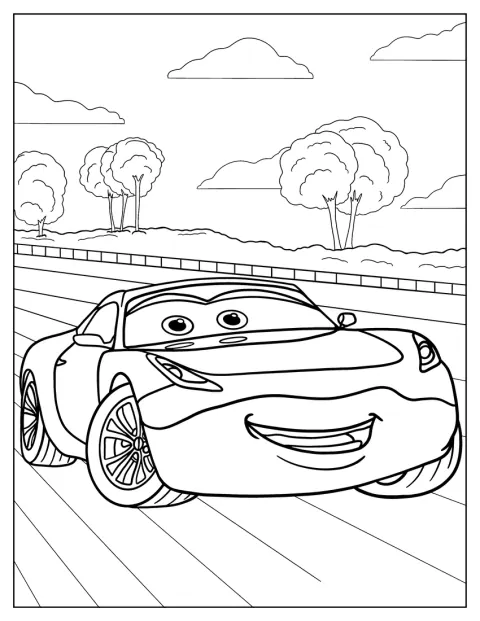
Simple Sally Carrera Coloring Sheet For Kids
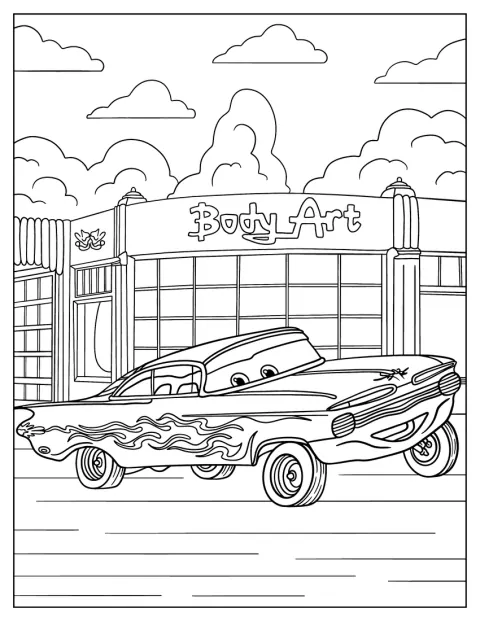
Ramone In Front Of Body Art Shop Coloring Sheet
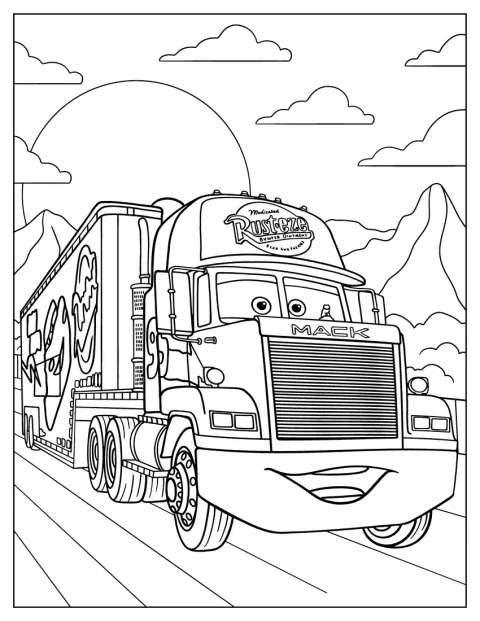
Mack On The Road
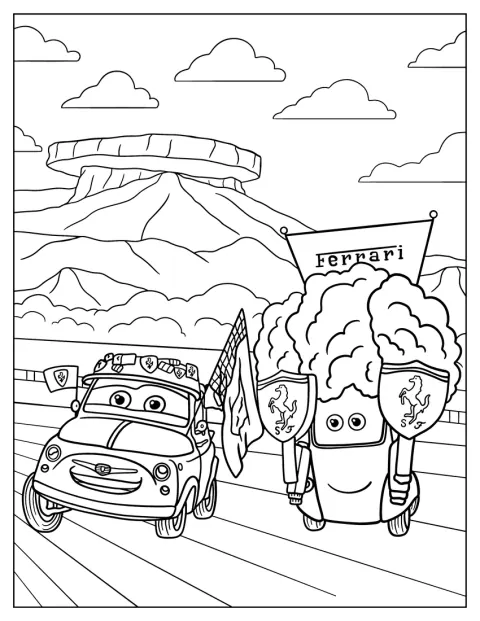
Luigi And Guido With Ferrari Accessories
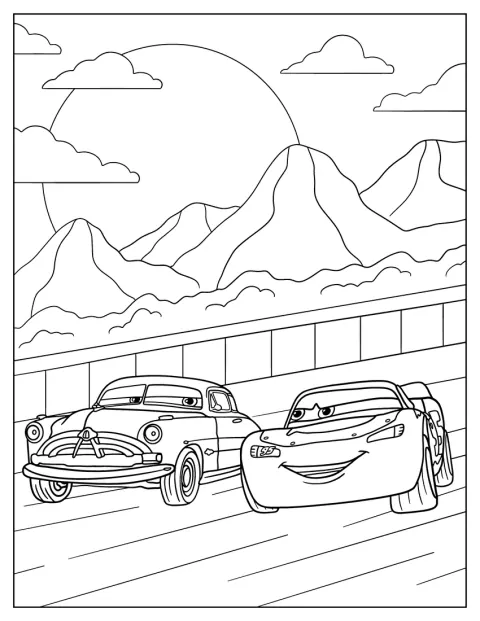
Lightning McQueen With Doc Hudson Coloring Page
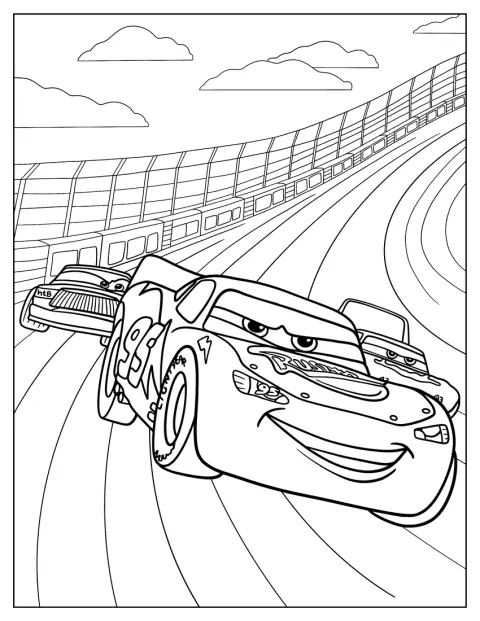
Lightning McQueen Leading Race Coloring Page
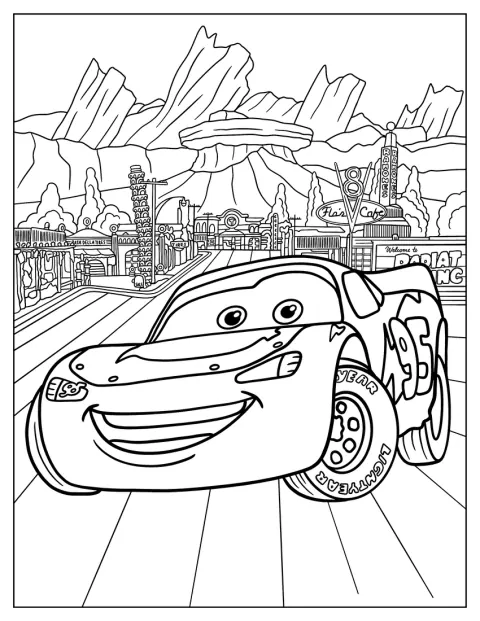
Lightning McQueen In Radiator Springs
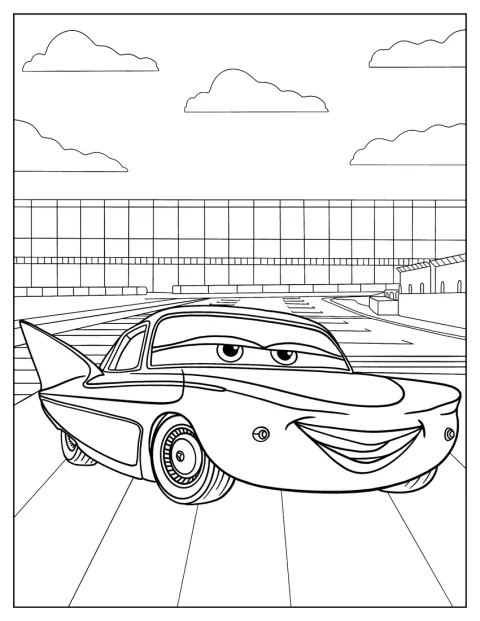
Flo Smiling Coloring Sheet
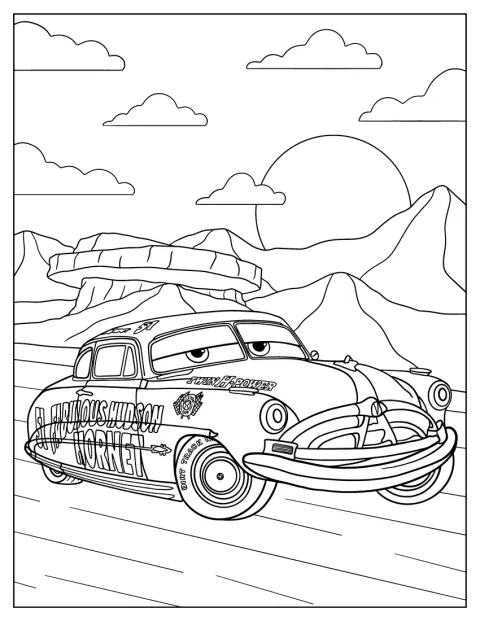
Doc Hudson In The Desert Coloring Sheet
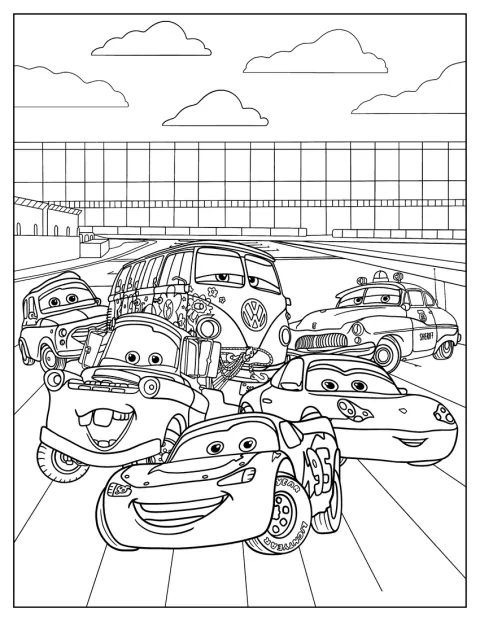
Detailed Cars Poster Coloring Page
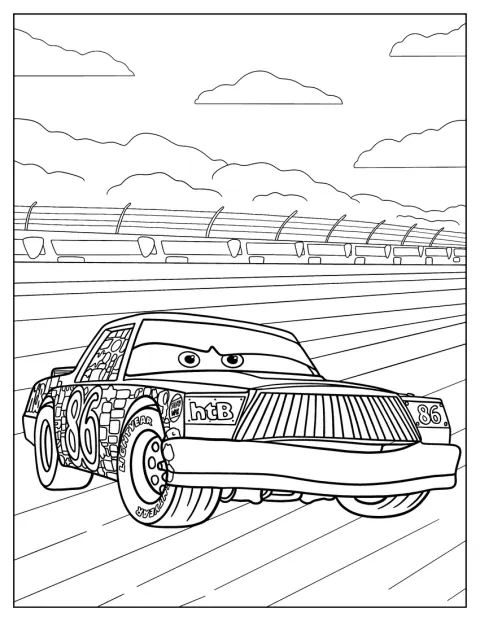
Chick Hicks
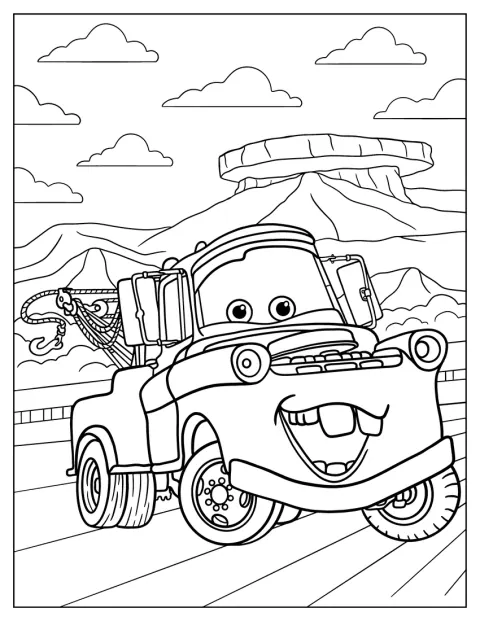
Cheerful Mater Coloring Sheet For Kids
No picture found
The pictures in this collection are temporarily unavailable.
See the other collectionsFree Printable Disney Cars Coloring Pages
Pick a favorite car or scene from a varied collection of portraits, friendly moments, and action on the road. Some drawings have broad shapes that are easy to color, while others add more cars, accessories, or background detail. There are familiar faces such as Sheriff and Ramone alongside race-day scenes with Lightning McQueen.
Spot the details that make each car recognizable
The cars have expressive eyes and mouths, so their faces help tell them apart even before you add color. Lightning McQueen’s racing number and bold body shape make him easy to spot, while Mater’s tow gear gives him a different silhouette. Sally’s smooth curves, Sheriff’s police markings, and Ramone’s customized paintwork each offer distinctive details to notice.
Look for the setting and the other cars, too. A portrait keeps attention on one vehicle, while scenes such as McQueen leading a race or being chased with Mater and Siddeley invite you to imagine what happens next. In the Radiator Springs picture, the town setting gives the coloring a quieter, storybook feel.
Make up a Radiator Springs race story
Choose a drawing with several cars, such as McQueen with friends or the chase scene with Mater and Siddeley. Give each car a role, then tell what happens at the start, which turn changes the race, and who reaches the finish first. A picture of Mack on the road can become the next stop in your story.
For a simpler activity, pick one portrait and invent a short conversation between the cars. Luigi and Guido with Ferrari accessories can be preparing for a visit, while Flo’s smile might mean she has news for everyone. If you want to color more of McQueen’s scenes, the Lightning McQueen coloring pages keep the focus on the racing star.
Choose colors for the cars and their details
Use bright red for Lightning McQueen and blue for Sally to make the familiar cars stand out. Mater’s rusty brown body, Sheriff’s black-and-white markings, and Fillmore’s green paint are helpful starting points. Ramone’s custom paint can be your chance to try a vivid color combination of your own.
Race scenes can use contrasting colors for the cars, numbers, and wheels, so each one stays easy to follow. For a desert setting, warm yellows and sandy browns make the background feel sunlit; for a poster, a different color behind each car can keep the busy scene clear.
Choose a coloring level for each age
For a 3-year-old, start with a single car and a large, simple outline. The easy pictures of Sally, Cruz Ramirez, Sheriff, and Flo keep the focus on familiar shapes, while Guido with his headset is a cute choice for a preschooler. A 7-year-old may enjoy adding the wheels, racing marks, and smaller accessories in scenes with more than one car.
Older kids can take on the medium drawings of cheerful Mater, Sarge, or Mack on the road, where extra details and backgrounds invite more careful coloring. The picture of Luigi and Guido with Ferrari accessories offers small objects to fill in, while McQueen with friends gives each car its own color. Adults may prefer the detailed Fillmore portrait or poster, with more areas to shade and color.
Print Disney Cars coloring pages as PDFs
Use the “Open the PDF” button on a drawing to open its PDF, or choose “Print” to print it directly; both options work from a phone, too. Select fit to page so the full car or scene stays inside the margins. For markers, try thicker paper, and use colored pencils for small details such as headlights, numbers, and accessories.