McLaren coloring pages
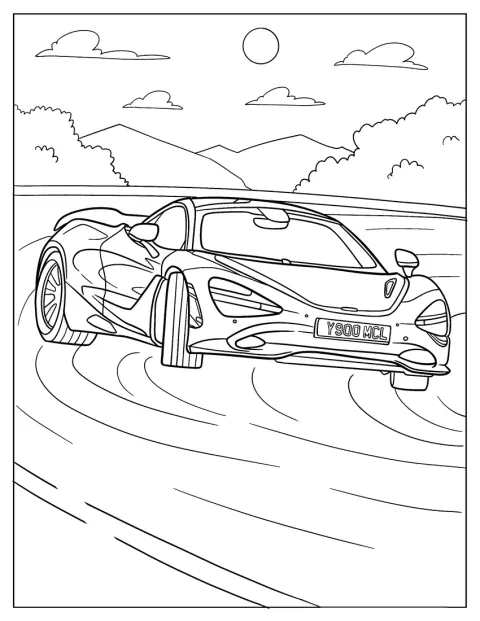
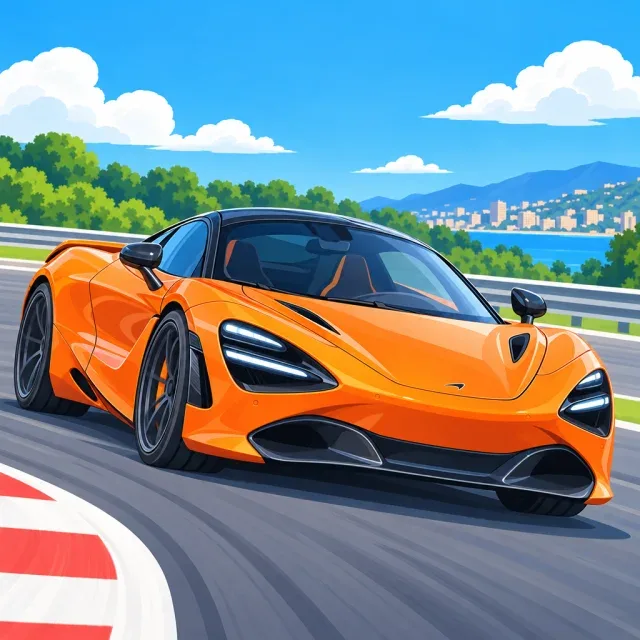
Choose from 20 McLaren coloring pages, with sleek road cars, race cars, and views from the front, side, and rear. Every page is free, with no account needed, and the PDF is ready to print. Find simple outlines for quick coloring and more detailed designs when you want a longer activity.
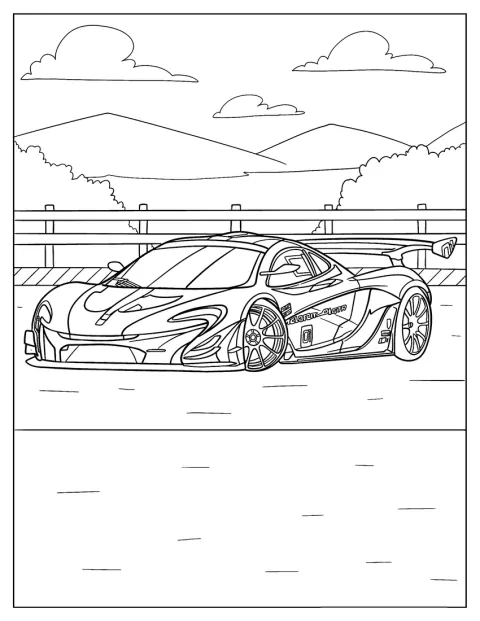
Race Car McLaren P1 GTR
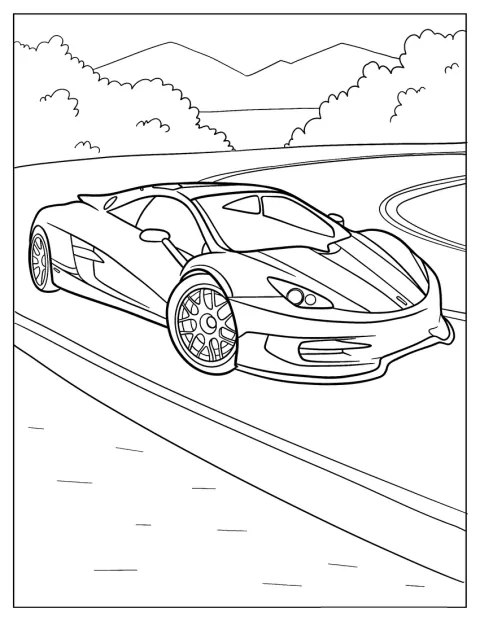
McLaren HTT Pléthore Coloring Page For Preschoolers
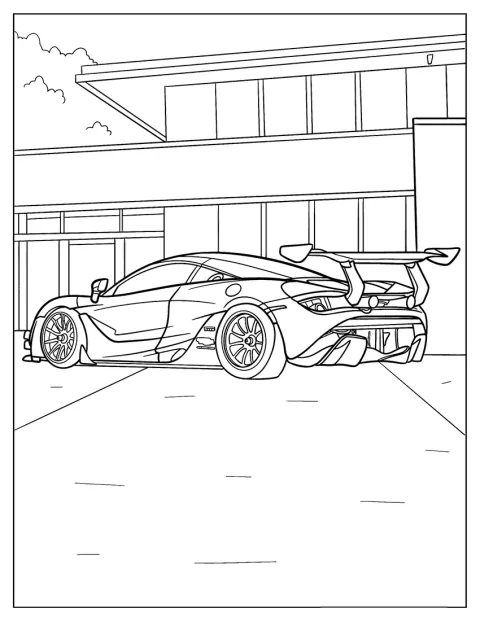
McLaren 720S Parked In Front Of Building
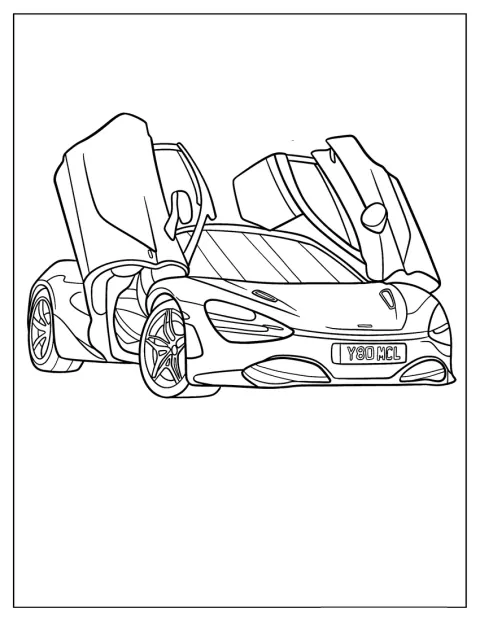
Simple McLaren 720S With Swing Up Doors Coloring Page For Kids
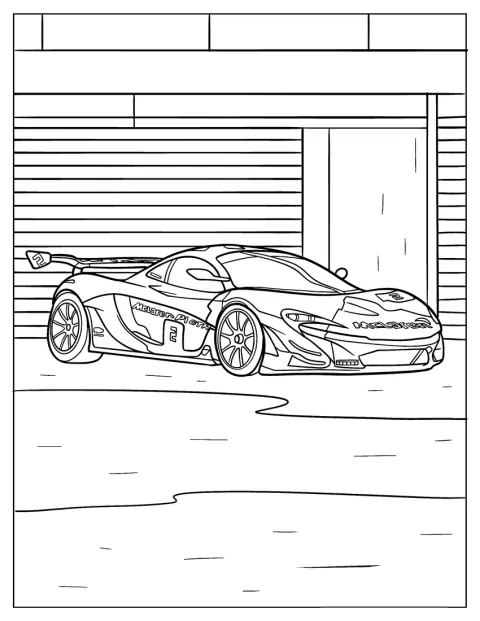
Side View Of McLaren 720S Race Car Coloring Page
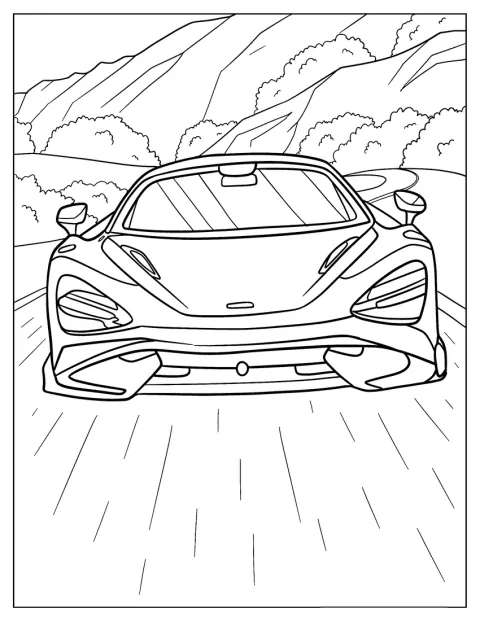
Front View Of McLaren 765LT Coloring Sheet
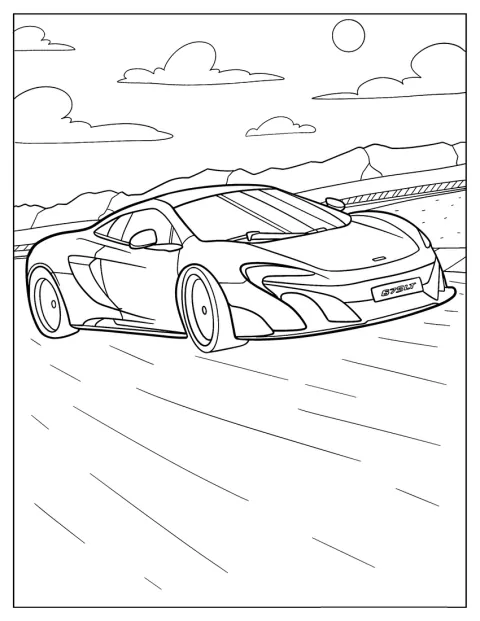
Easy McLaren 675LT Outline On The Road Coloring Sheet
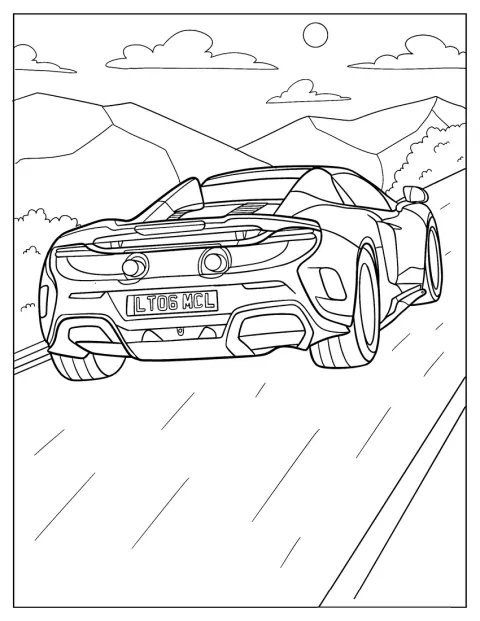
Rear View Of McLaren 675LT
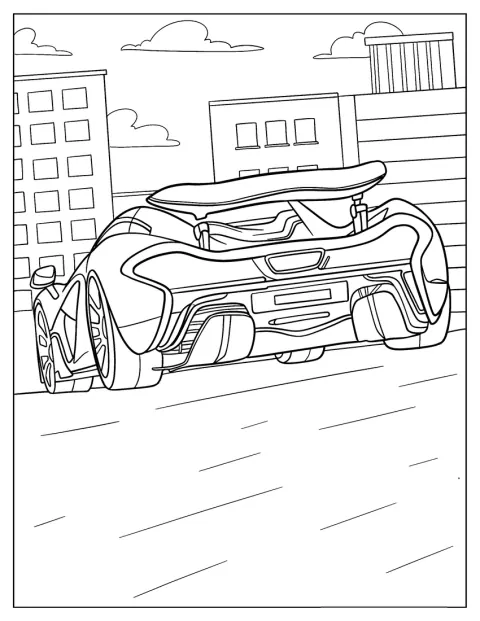
Realistic Rear View Of McLaren P1 Coloring Page For Kids
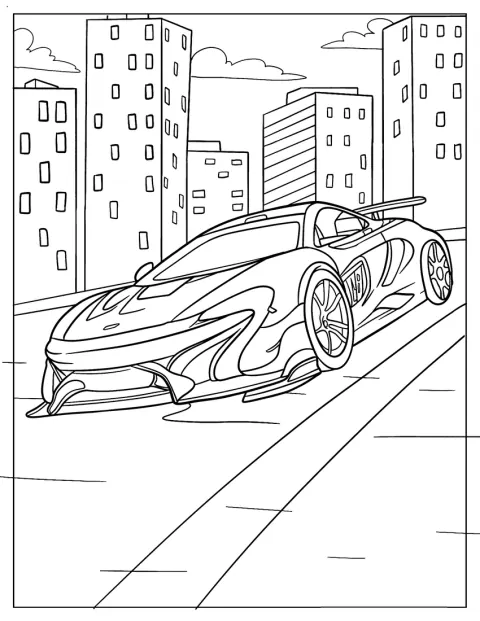
McLaren P1 In The City Coloring Sheet
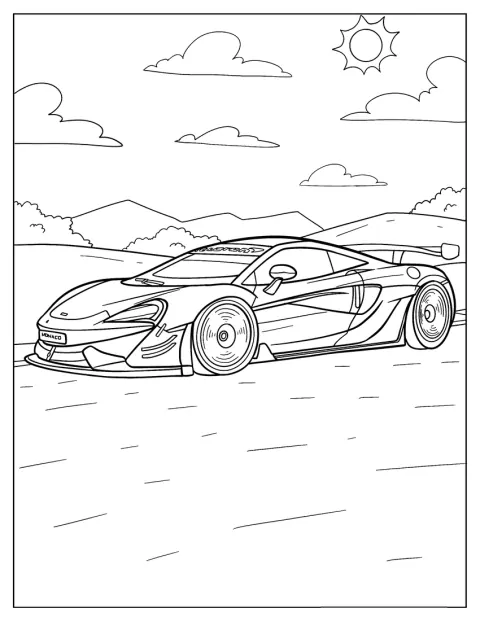
Cool McLaren P1 GTR Coloring Sheet For Kids
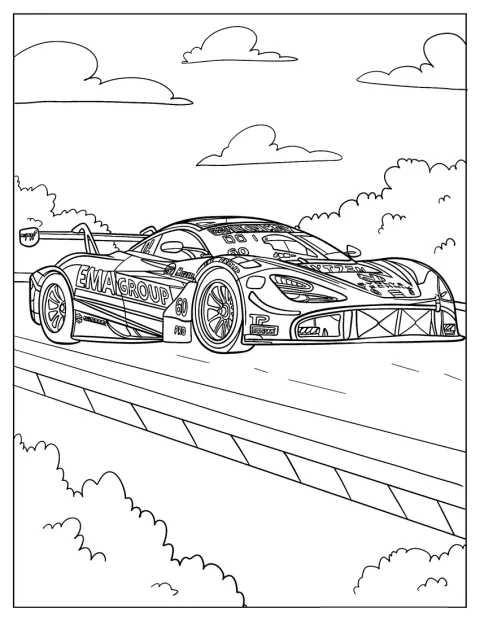
Realistic McLaren 720S GT3 Coloring Page
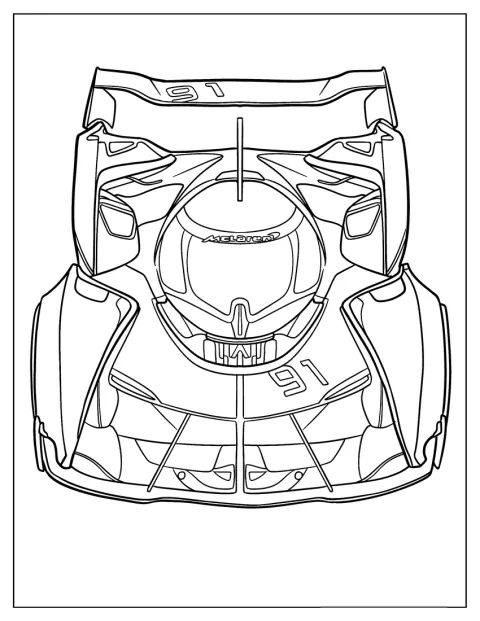
McLaren Ultimate Vision Gran Turismo
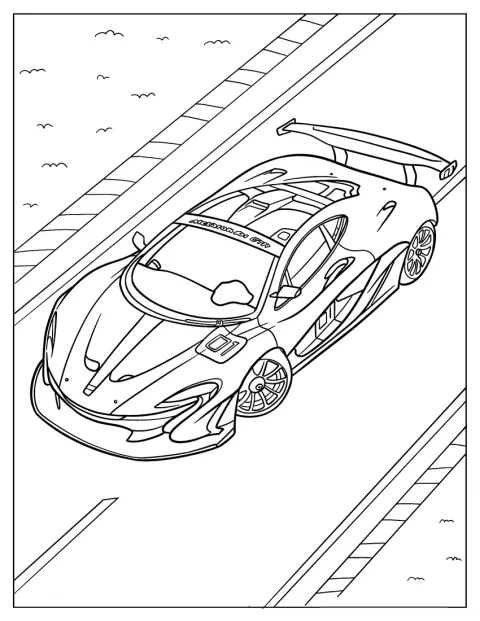
Top View McLaren P1 GTR Coloring Sheet
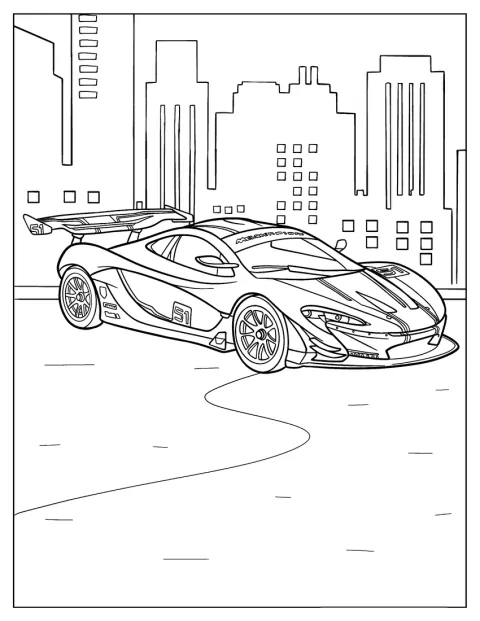
Side View Of McLaren P1 GTR
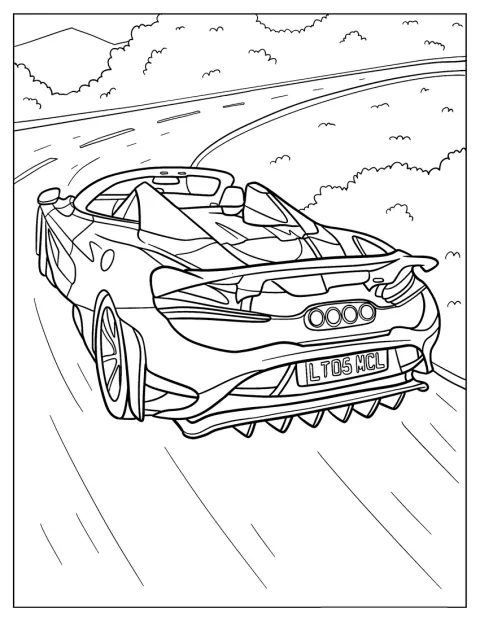
Realistic McLaren 765LT Speeding Coloring Page
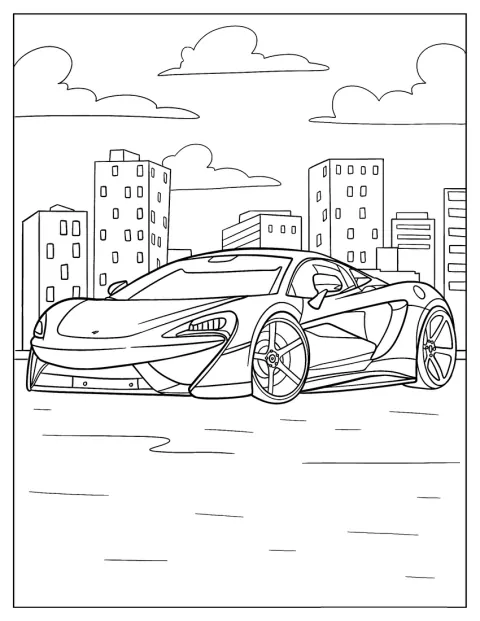
Parked McLaren 570S Coloring Page
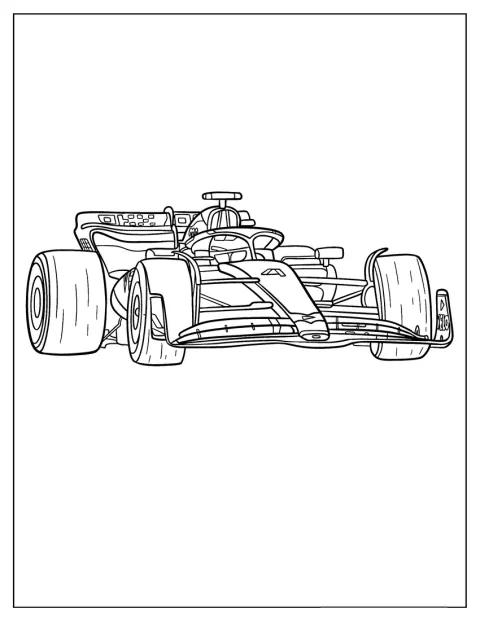
McLaren MCL60 Race Car Coloring Page
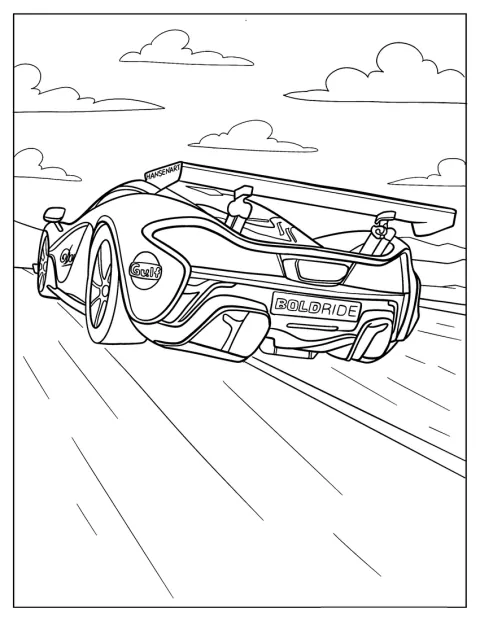
Detailed Rear View Of McLaren P1 GTR Coloring Page
No picture found
The pictures in this collection are temporarily unavailable.
See the other collectionsFree Printable McLaren Coloring Pages
The collection ranges from a parked McLaren 570S and a side-view 720S to the MCL60 race car and P1 GTR. Front, top, and rear views give you different shapes to color, while city and road scenes add a setting for a little storytelling.
Create a McLaren Race-Day Challenge
Turn a few pages into a race-day activity. Have your child choose a starting line, draw a finish line around the cars, then color each one in a different team-inspired design. The MCL60 and P1 GTR make natural choices for the race, while a parked 720S can become a car-show entry.
For a quieter game, ask children to spot details before coloring: the headlights, wheels, side openings, and rear wing. They can give each car a name and make up a short story about where it is headed.
Choose by Age and Coloring Level
A good match depends on how long someone wants to color and how comfortable they are with smaller details. Most drawings have simple outlines, while a smaller group has more realistic bodywork and finer features.
Easy McLaren Coloring Pages for Kids
These broad, clear designs suit younger children, including many 3-year-olds, and are a friendly choice for kids who are just learning to stay inside the lines. The simple 675LT outline and the 720S with swing-up doors have large areas to fill. A parked 570S or a front-view 765LT gives a 7-year-old a little more to notice without making the whole page feel crowded.
Try the rear view of the 675LT for an easy way to focus on the lights and shape of the back of the car. The top and side views of the P1 GTR also make it simple to compare the car’s outline from different angles.
Detailed McLaren Coloring Pages for Adults
For adults or older kids who enjoy careful work, the realistic 720S GT3 has more contours to color, and the speeding 765LT suggests motion through its angled pose. The detailed rear view of the P1 GTR gives you smaller areas around the lights, vents, and wing. These designs suit colored pencils or fine-tip markers better than a quick, broad coloring session.
The realistic rear view of the P1 offers another chance to work slowly on the car’s curves and mechanical-looking details. The medium-detailed P1 in the city and Ultimate Vision Gran Turismo can bridge the gap between the easiest outlines and the most intricate drawings.
Notice the Details That Set Each Car Apart
Compare the outline, headlights, side openings, and rear wing across the 675LT, 720S, and P1 GTR. These details make each drawing recognizable, even when the cars are shown from different angles. A rear view puts the lights and back of the body in focus, while a side view makes it easier to follow the roofline and doors.
In the city scene, the P1 sits within a street setting, so there are extra shapes to color around the car. Invite children to point out which lines belong to the vehicle and which belong to the background before they begin.
Pick Colors for a Distinctive McLaren
Use a bright orange body for a bold racing look, or choose silver, blue, green, or black for a different style. Keep the windows dark and leave small highlights on the headlights to make the car feel glossy. There is no need to match a real paint scheme; adding stripes or contrasting wheels can make each design your own.
Print McLaren Coloring Pages as PDFs
Select a drawing and use “Open the PDF” to open its PDF, or “Print” to send it directly to a printer, including from a phone. Choose fit to page if you want the whole car and its setting to show. Regular paper works well for crayons and pencils; thicker paper can help if you plan to use markers.