
Jurassic Park coloring pages
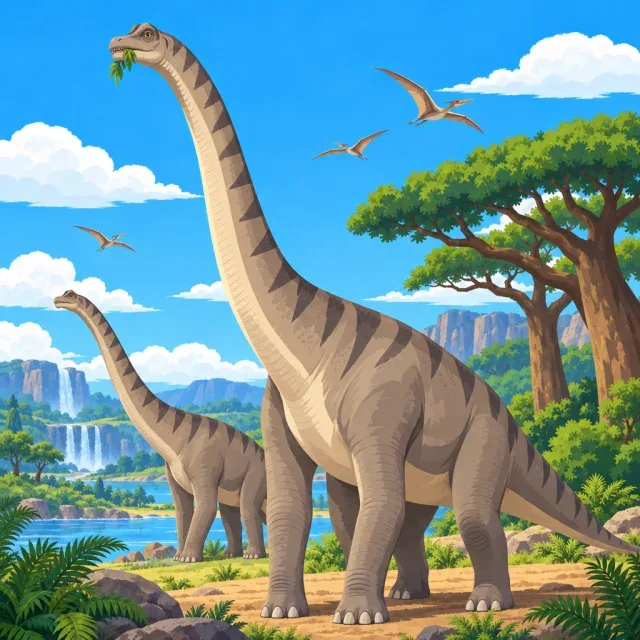
Choose from Jurassic Park coloring pages featuring a T. rex, park vehicles, familiar characters, and dinosaur-filled scenes. Every page is free, and you don’t need an account. Open a drawing as a PDF, ready to print, and pick an easy design or a more detailed one to suit your time and skill.
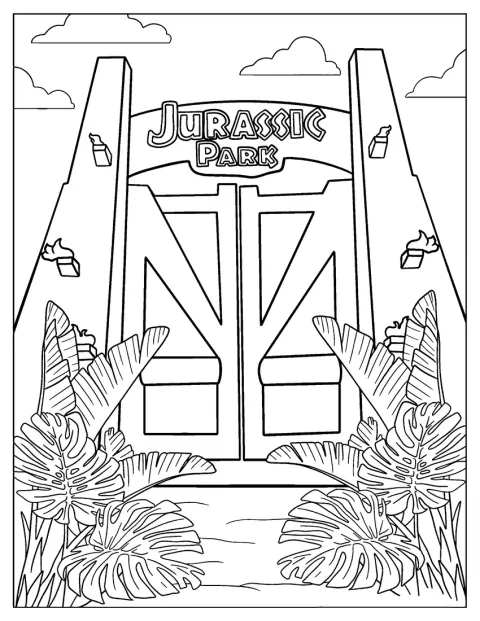
Jurassic Park Gate Coloring Page
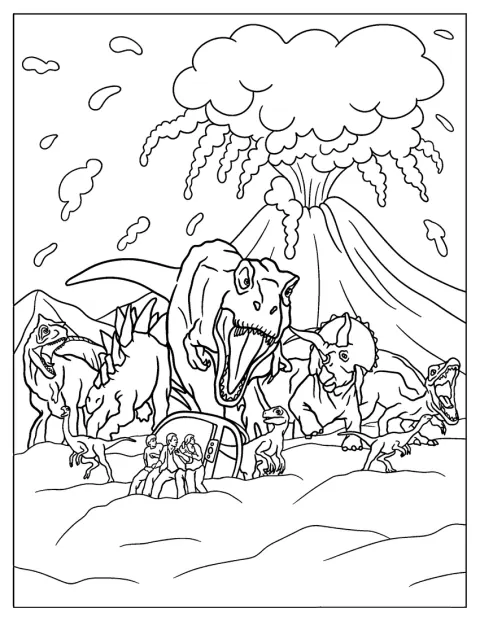
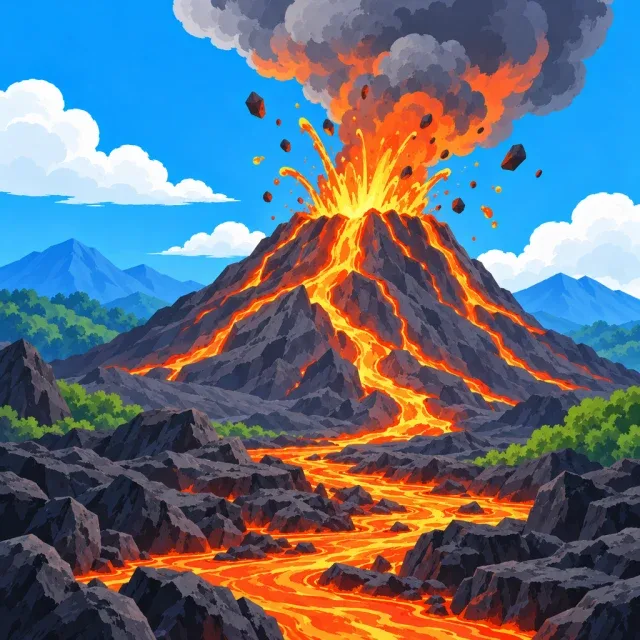
Jurassic World With Exploding Volcano And Dinosaurs
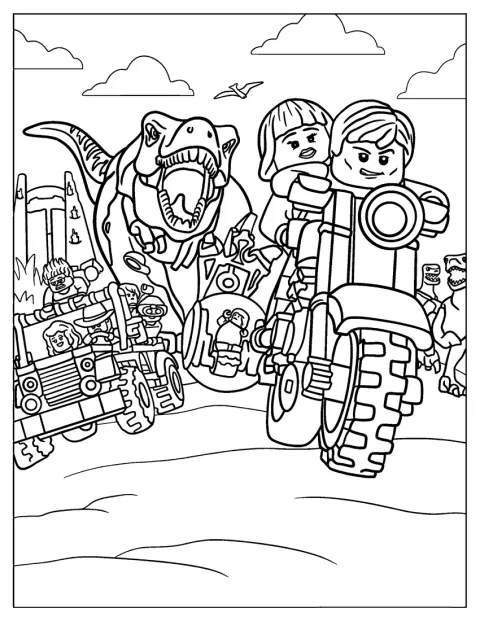
Lego Themed Jurassic World Coloring Page
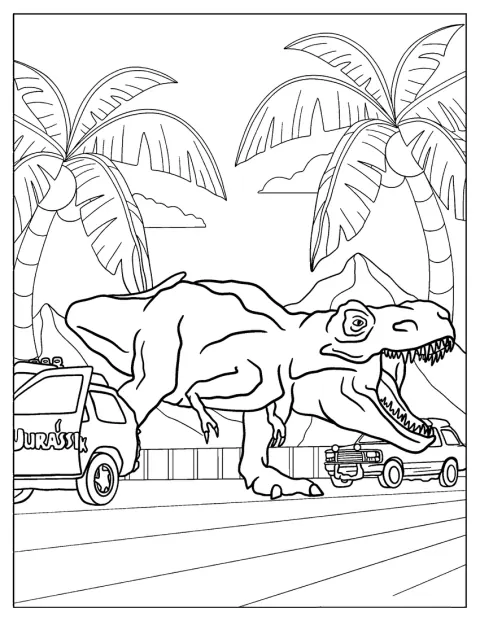
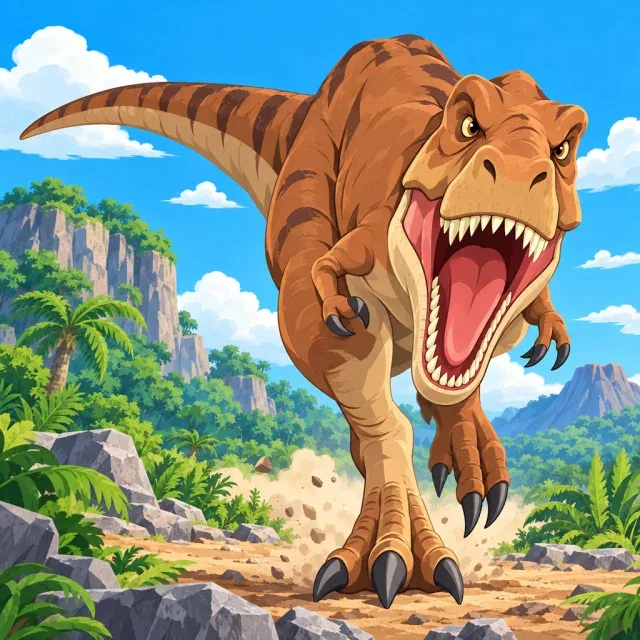
Jurassic Park T-Rex Escaping Enclosure To Color
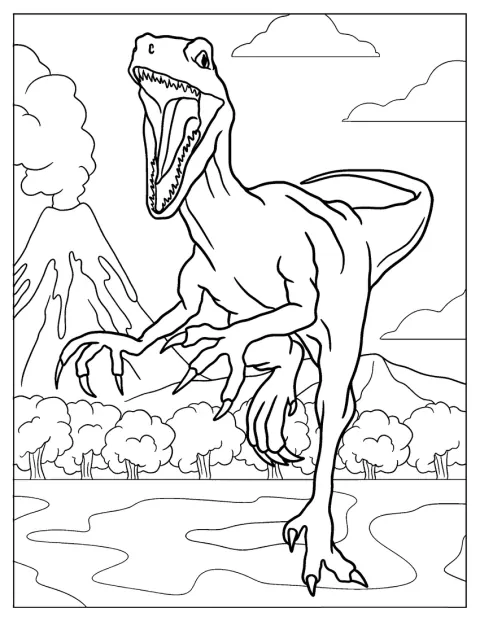
Velociraptor From Jurassic Park Coloring Page
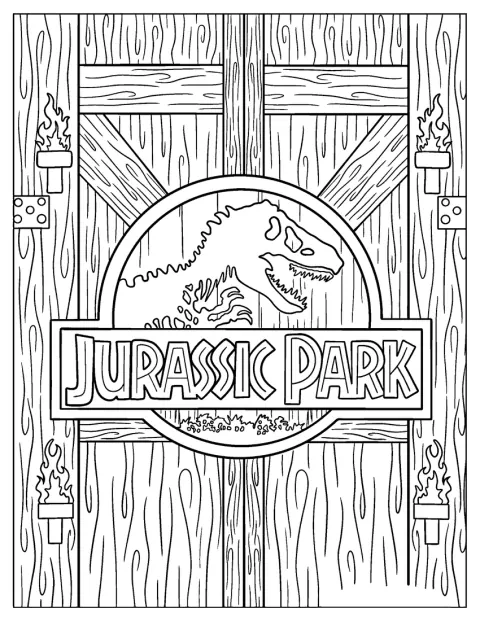
Detailed Jurassic Park Logo On Gate
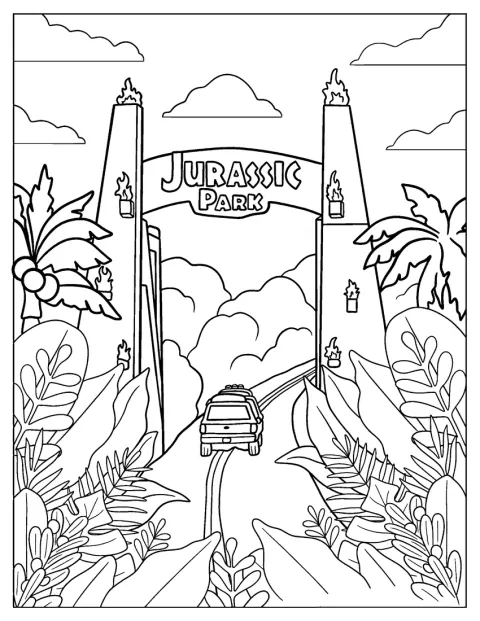
Car Entering Jurassic Park
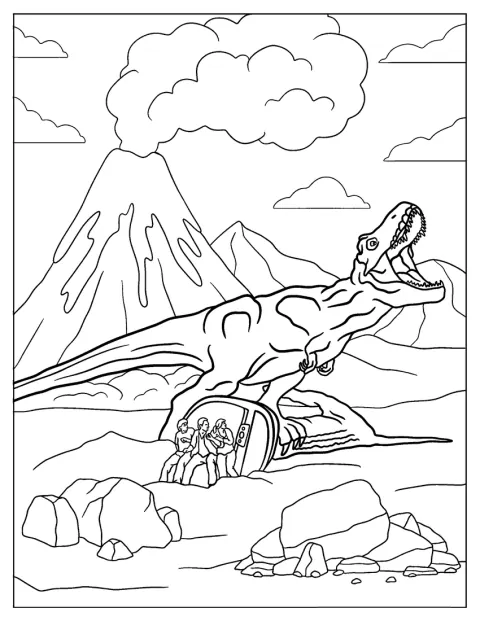
Large T-Rex From Jurassic World To Color
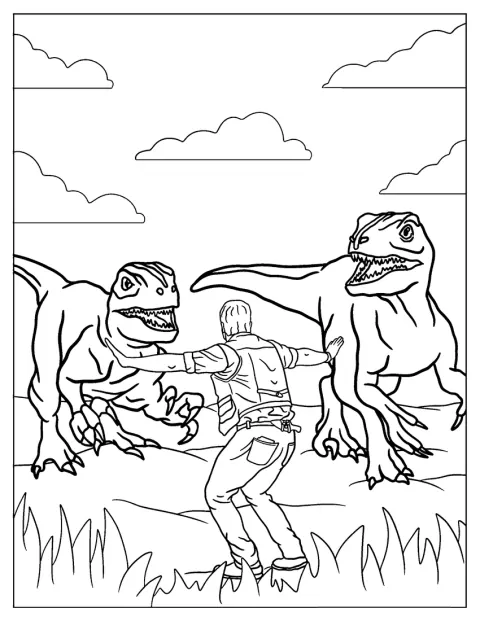
Jurassic World Dinosaur Handler With Velociraptors To Color
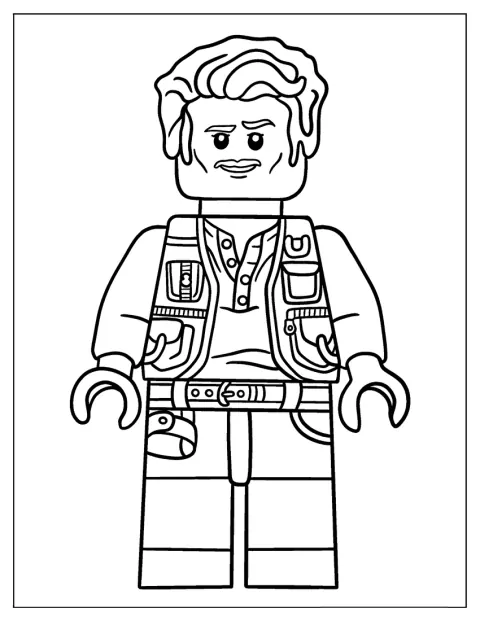
Lego Owen Grady From Jurassic World To Color
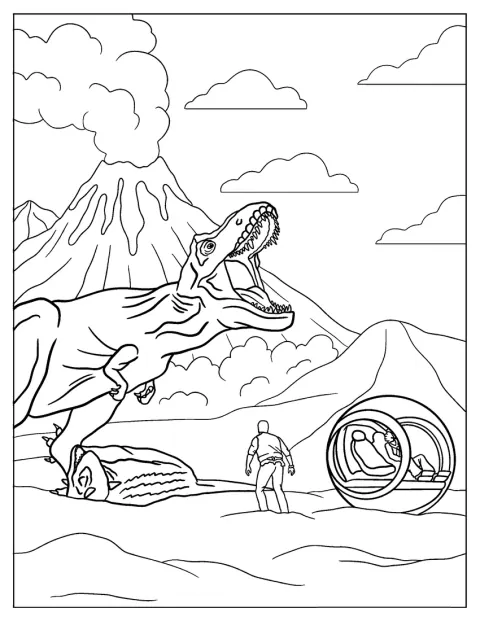
Jurassic World Movie Poster Coloring Page
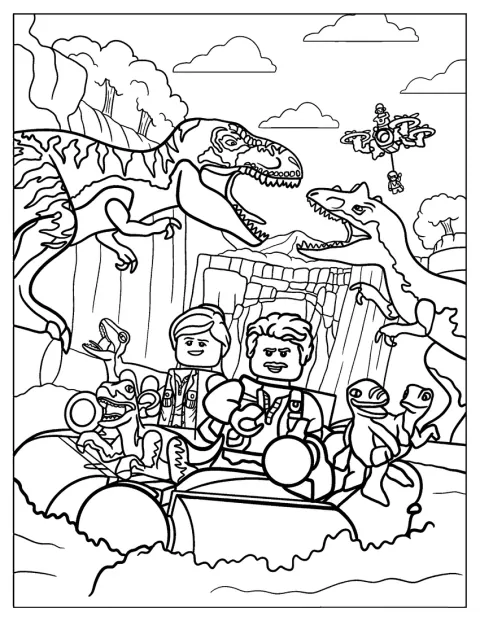
Coloring Sheet Of Lego Themed Jurassic Park
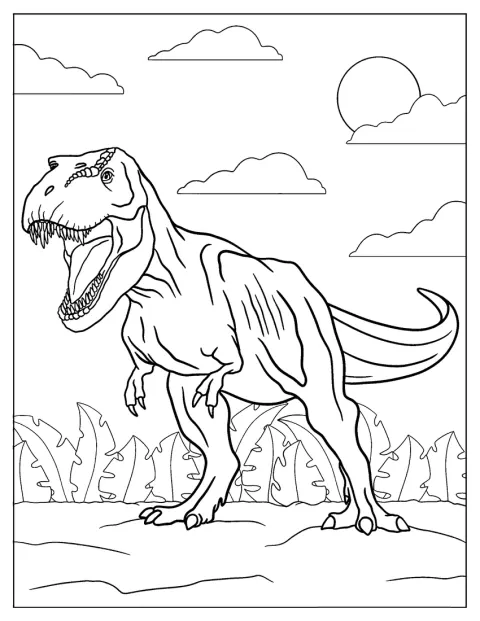
T-Rex From Jurassic Park To Color
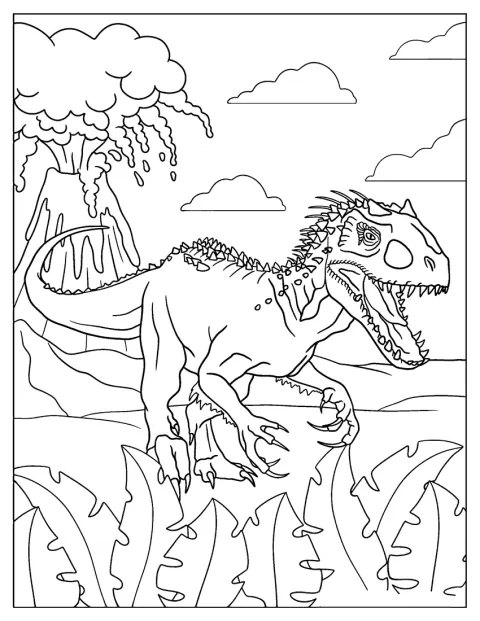
Indominus Rex From Jurassic World Coloring Sheet
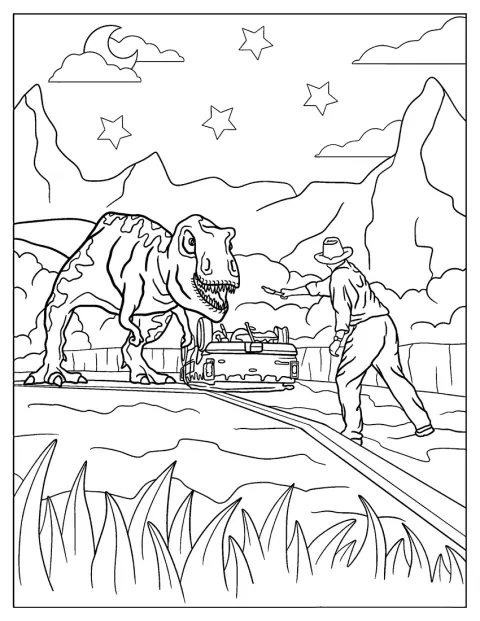
Alan Waving Flare In Front Of T-Rex To Color
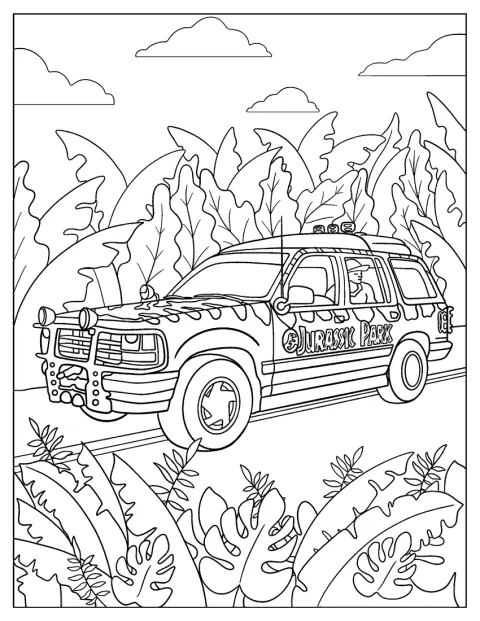
Jurassic Park Car Coloring Page
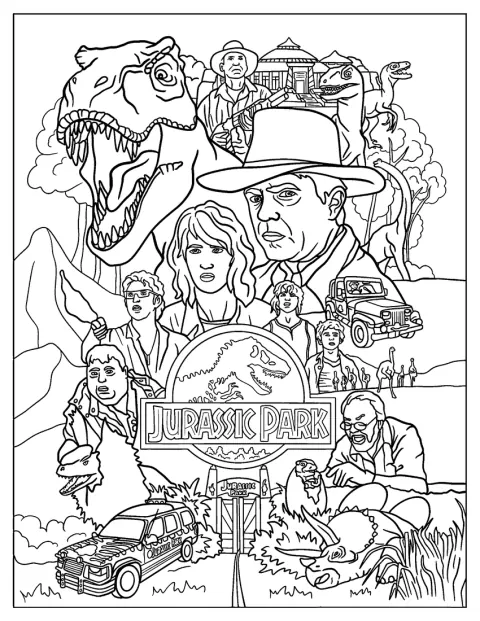
Jurassic Park Poster With Characters To Color
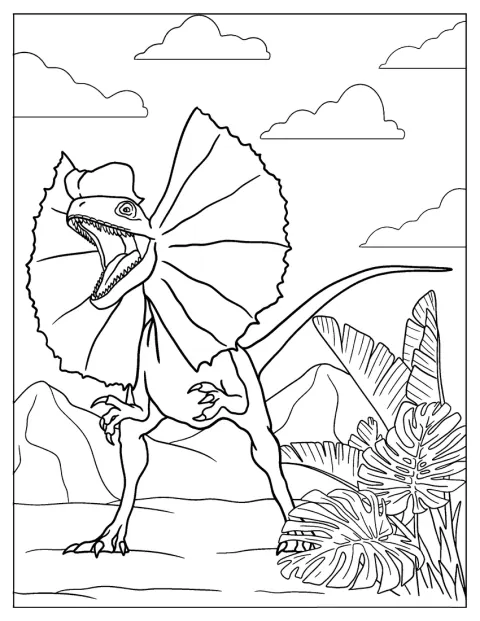
Dilophosaurus Dinosaur From Jurassic Park
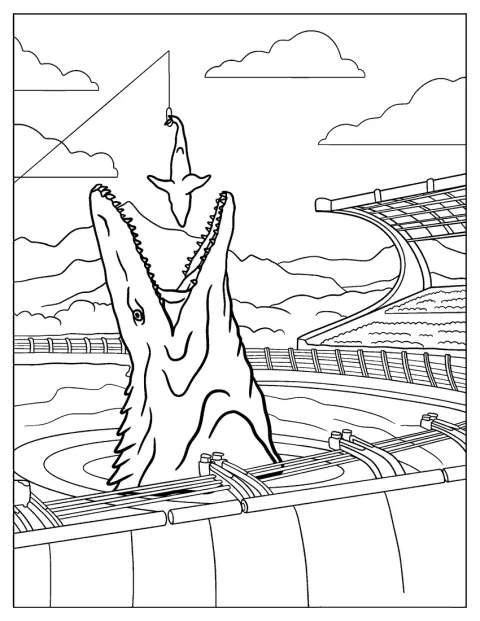
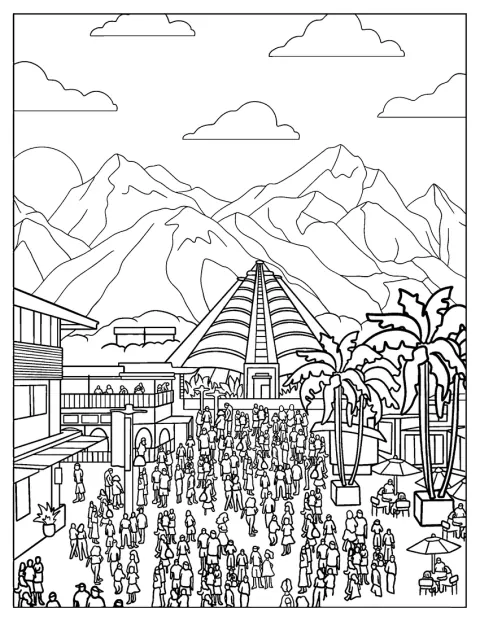
Jurassic World Water Park
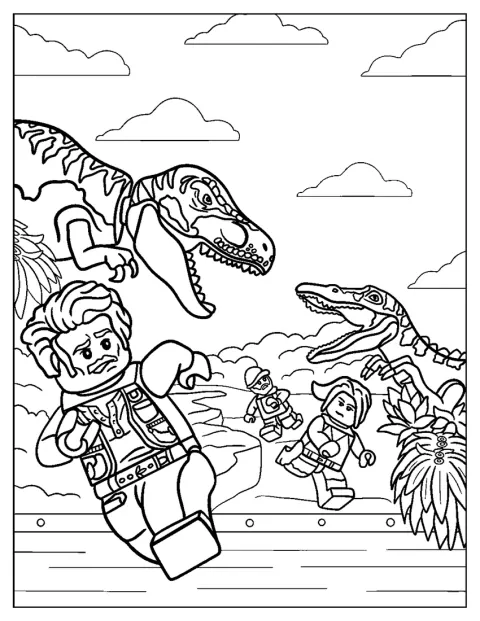
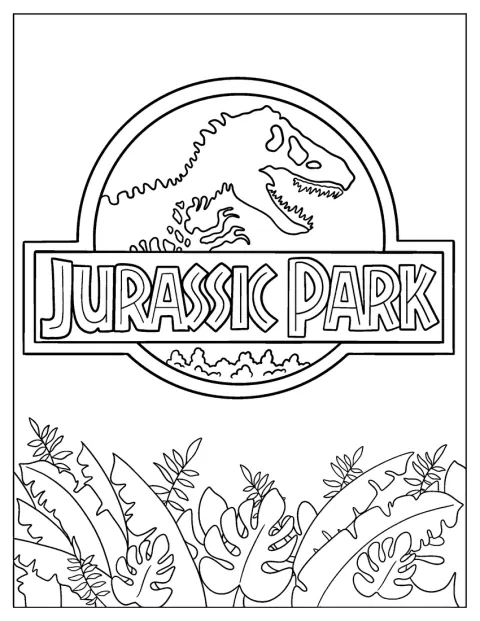
Jurassic Park Logo Coloring Page For Kids
No picture found
The pictures in this collection are temporarily unavailable.
See the other collectionsFree Printable Jurassic Park Coloring Pages
The collection ranges from a large T. rex and a simple movie poster to park gates, cars, and busy dinosaur scenes. Some drawings have broad shapes for quick coloring, while others include more lines and details to work through. Choose a familiar moment or build your own version of the park.
Make a Dinosaur Park Story
Use the pictures to invent a short adventure. Set the scene with the car entering the park, then decide what happens when a dinosaur gets near the enclosure or a T. rex appears on the road.
Give each person a role to color: one can work on Alan Grant and his flare, while another colors the dinosaurs or the park entrance. When the pages are finished, put the scenes in story order and have each person tell what happens next.
About the Jurassic Park Film
Jurassic Park is a 1993 film directed by Steven Spielberg. Its music was composed by John Williams, whose score is part of the film’s recognizable sound.
These drawings bring together scenes and figures from the Jurassic Park and Jurassic World captions, including Alan, Owen Grady, velociraptors, Dilophosaurus, and the Indominus rex. If you want more dinosaur choices beyond the movie scenes, browse the Dinosaur collection.
Choose by Age and Detail
Match the drawing to the time and attention your child has today. A 3-year-old will usually find wide outlines and one large subject easier to manage, while a 7-year-old may enjoy adding detail to a scene. Adults can choose the busier designs for a slower coloring session.
Easy Jurassic Park Coloring Pages for Kids
The large T. rex drawings are a clear starting point, with a single dinosaur that is easy to recognize and color. The waving-flare scene gives kids a simple action to talk about, and the movie poster lets them focus on larger shapes and familiar figures.
For children around 3, offer a few crayons and let them choose the colors freely. Kids around 7 may want to add a background to the T. rex or decide what the flare is warning about. The simple water-park and enclosure scenes also leave room for an invented setting.
Detailed Jurassic Park Coloring Pages for Adults
The detailed gate and park scenes suit anyone who enjoys working across smaller areas. The gate logo, the car entering the park, and the poster with characters give you architectural lines, vehicle shapes, and figures to color in one scene.
The volcano scene has several dinosaurs and a dramatic landscape, so it can take longer than a single-animal drawing. Lego-themed pages also have many small blocks and outlines to fill. Try colored pencils for those tight spaces, and take breaks if you want to keep the edges neat.
Print Jurassic Park Coloring Pages as PDFs
Choose “Open the PDF” to view a drawing as a PDF, or “Print” to send it directly to your printer; both buttons work from a phone. Use fit-to-page if the gate or poster seems close to the paper’s edges. Thicker paper can handle markers better, while pencils are useful for the smaller details.