Cookie Monster coloring pages
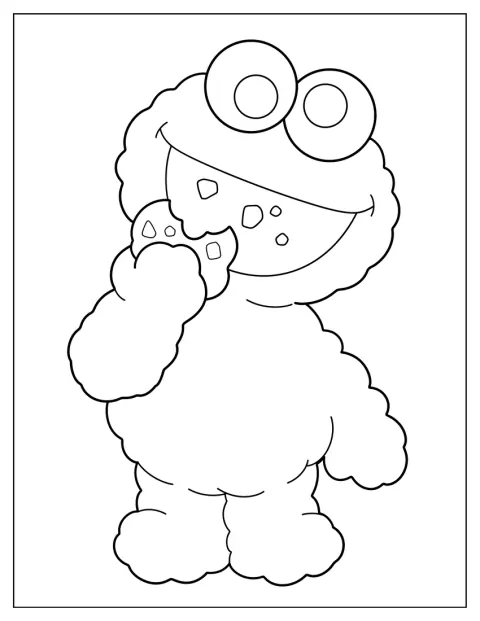
These Cookie Monster coloring pages bring together big cookies, silly snack-time scenes, and familiar friends from Sesame Street. Every page is free, with no account needed, and opens as a PDF ready to print. Choose a simple picture for a quick activity or a more detailed baking scene to color slowly.
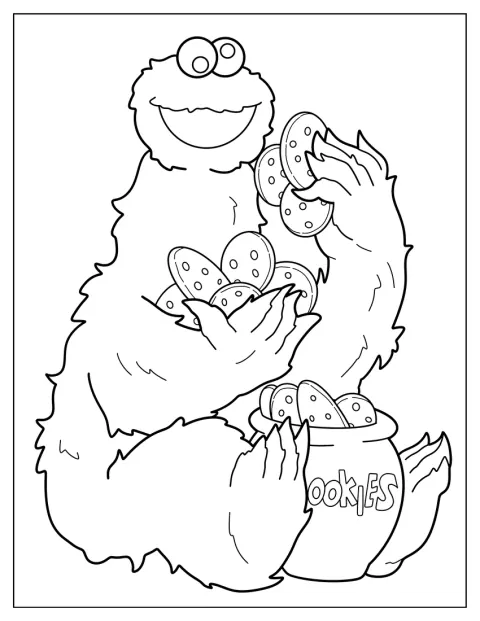
Smiling Cookie Monster Eating Tons Of Cookies Coloring Sheet
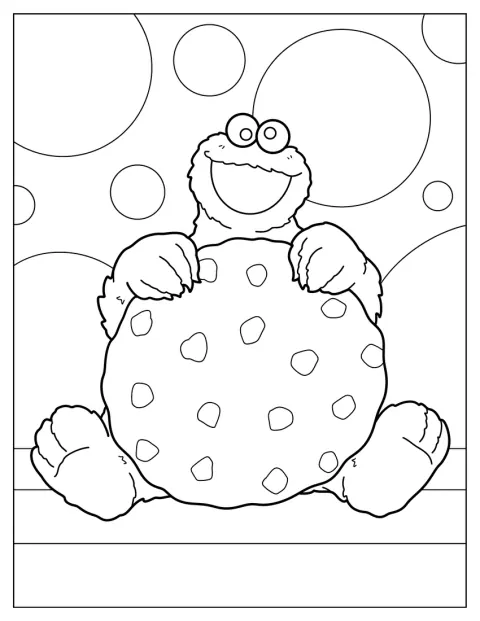
Easy Cookie Monster Holding Giant Cookie
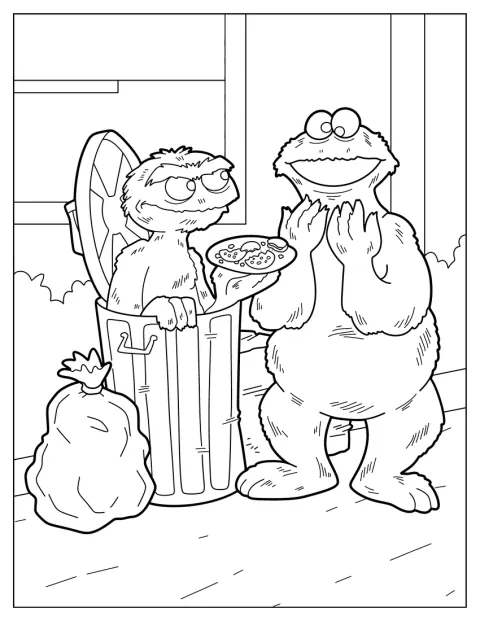
Detailed Oscar The Grouch And Cookie Monster Coloring Page
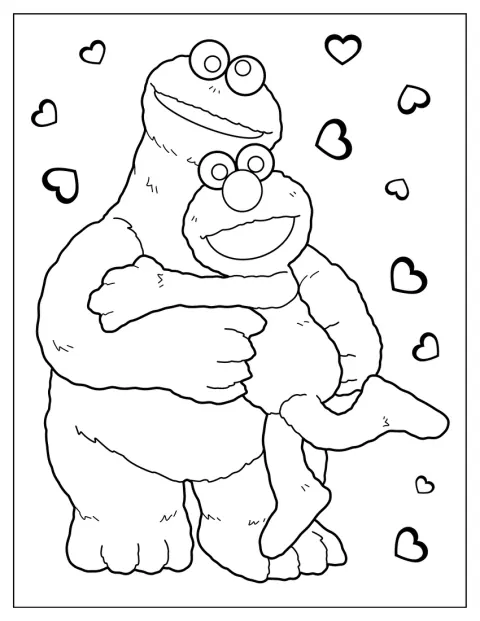
Cookie Monster Hugging Elmo Coloring Page
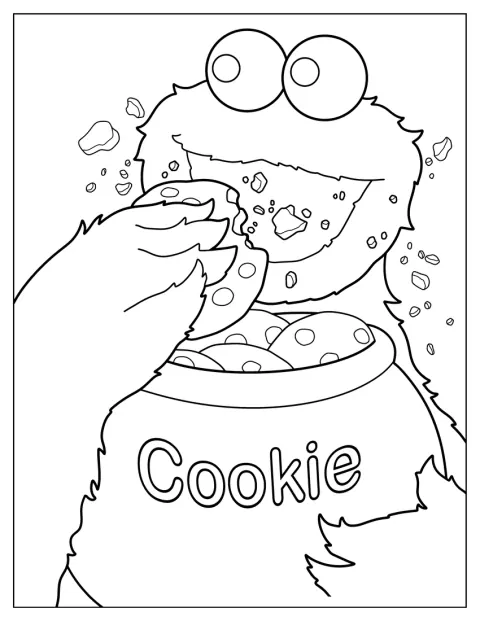
Cookie Monster Eating Cookie From Jar
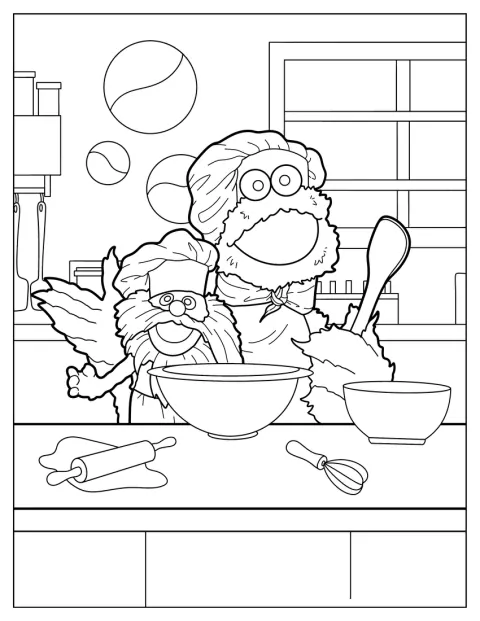
Realistic Cookie Monster Baking With Gonger Coloring Page
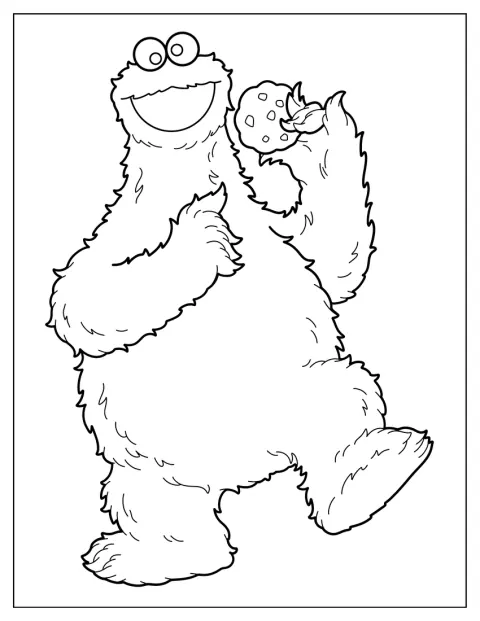
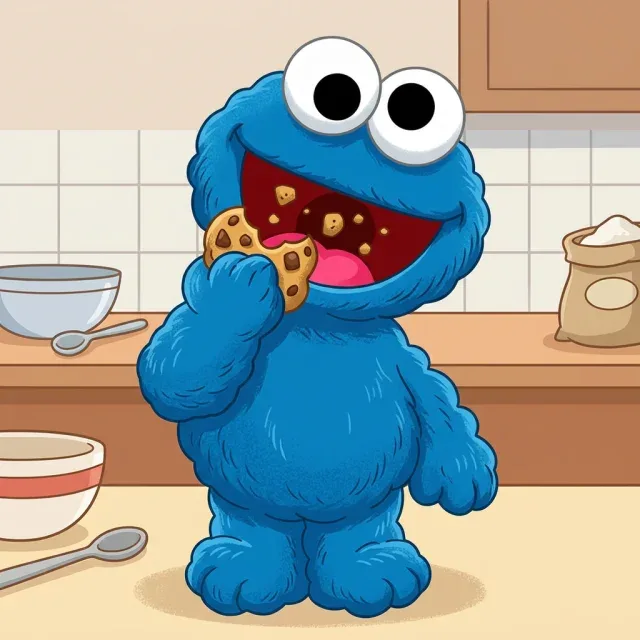
Fluffy Cookie Monster Holding Up Cookie Coloring Page
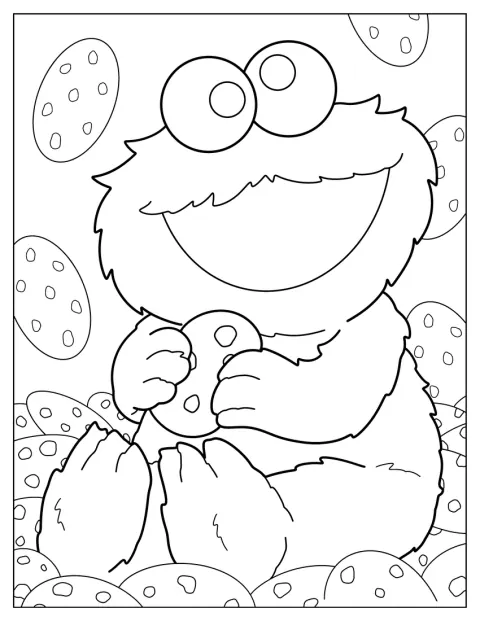
Baby Cookie Monster Surrounded By Cookies Coloring Sheet
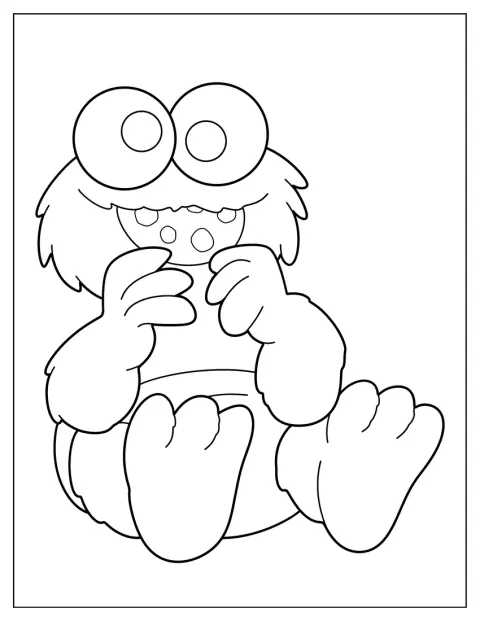
Baby Cookie Monster Eating Cookies Coloring Page For Preschoolers
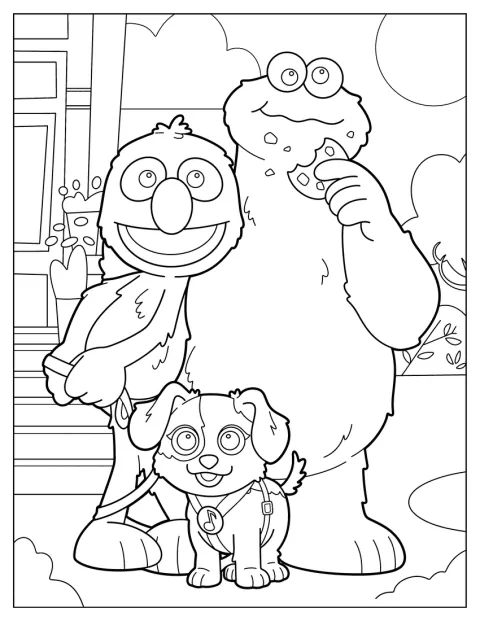
Cookie Monster With Grover And Barkley
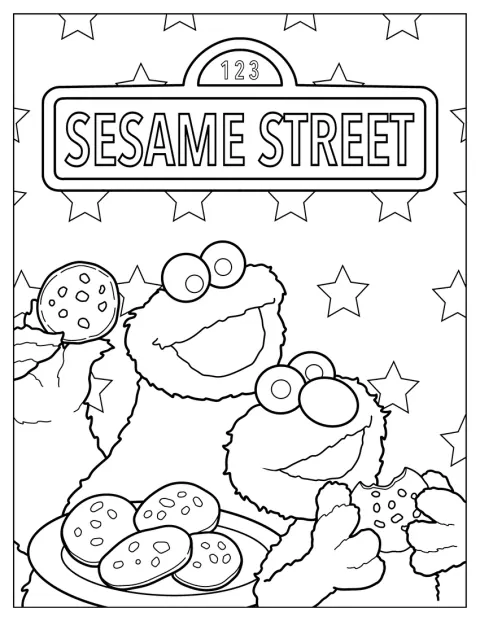
Cookie Monster With Elmo Sesame Street Poster
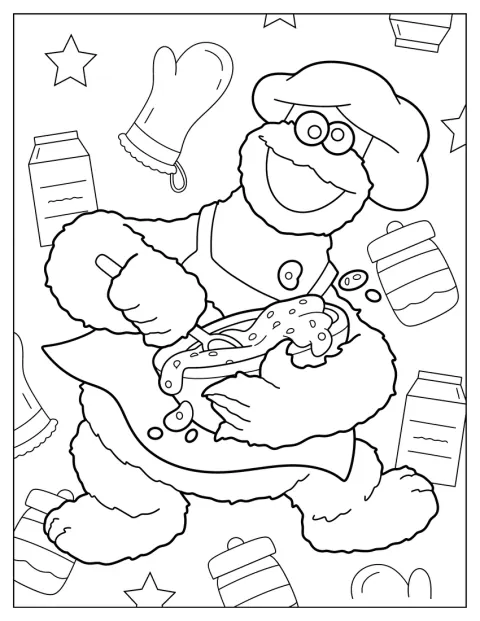
Cookie Monster Mixing Cookie Dough Coloring Page For Kids
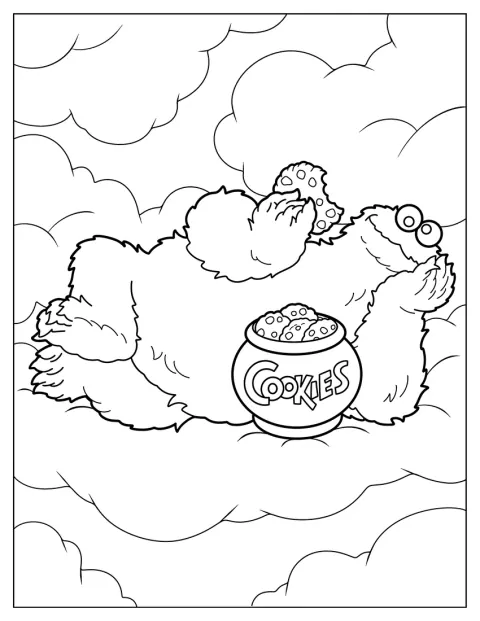
Cookie Monster In The Clouds With Cookie Jar Coloring Page
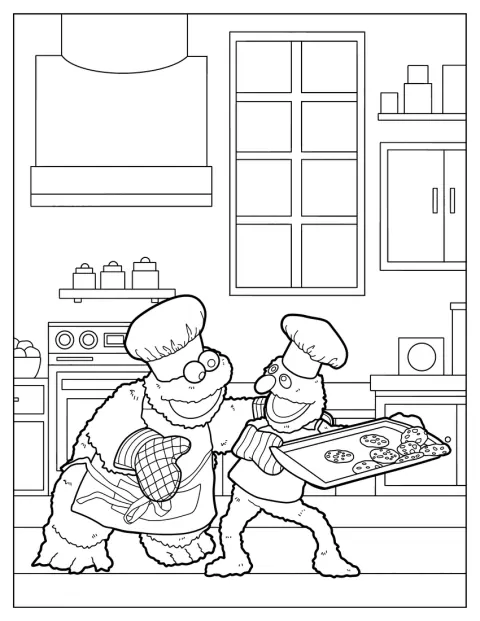
Cookie Monster And Grover Carrying Cookie Tray
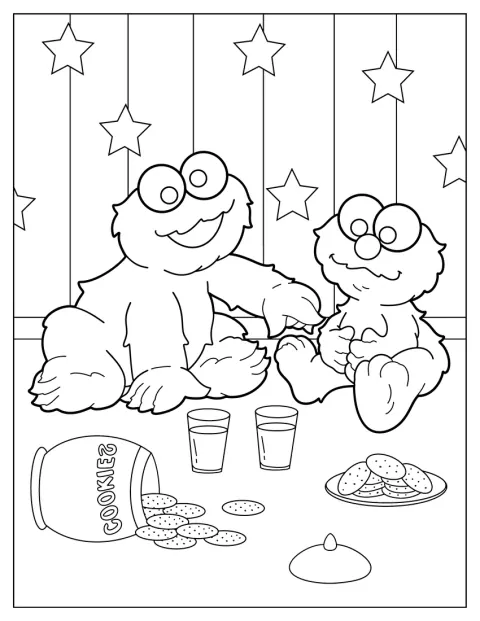
Baby Cookie Monster And Elmo With Cookies And Milk Coloring Page
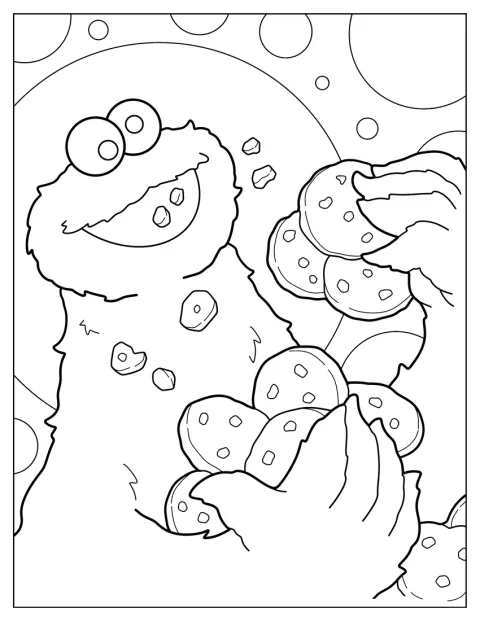
Simple Cookie Monster Eating A Lot Of Cookies
No picture found
The pictures in this collection are temporarily unavailable.
See the other collectionsFree printable Cookie Monster coloring pages
Pick from 17 pictures of the blue, cookie-loving Sesame Street character. Some show him holding a giant cookie or eating a stack of treats, while others bring in Elmo, Grover, Barkley, or Oscar the Grouch for a little more to look at.
Make up a cookie-time story
Turn a coloring session into a short story by choosing one picture and deciding what happens just before the scene. Cookie Monster might be carrying a tray with Grover, mixing dough, or reaching for a cookie jar; your child can tell you who baked the treats and where they are headed.
For a group activity, let each person color a different moment, then put the pages in story order. A picture of Cookie Monster in the clouds with a cookie jar could be the opening, and a shared snack with Elmo could be the ending. Add a spoken sentence for each scene as you color.
Who is Cookie Monster
Cookie Monster is a fictional creature and television character created by Jim Henson. He appears on Sesame Street, where his love of cookies is part of his familiar, playful personality.
That makes these pictures easy to connect with a story children already know. Scenes with Elmo or Grover give them a chance to name the friends, while the cookie jar, tray, dough, and glass of milk offer simple details to talk about as they color.
Choose by age and coloring level
Most of the pictures have clear, easy shapes, so you can choose a scene that fits the time and attention your child has today. Let the size of the details guide you, rather than expecting every child of the same age to color at the same pace.
Easy Cookie Monster coloring pages for kids
For a 3-year-old, try a simple picture of Cookie Monster holding one large cookie or a baby Cookie Monster chewing a treat. The broad shapes are easier to fill, and there is room to experiment with color without worrying about tiny details.
A 7-year-old may enjoy the scenes with several cookies, a mixing bowl, or Cookie Monster and Grover carrying a tray together. These are still easy to follow, but give kids more objects to color and a scene to describe. The fluffy outline and big smile also make a friendly starting point for younger children.
Cute baby Cookie Monster scenes
The baby pictures show Cookie Monster surrounded by cookies, sharing milk and cookies with Elmo, or happily chewing a snack. Their rounded faces and simple expressions suit a short, relaxed coloring break, especially for preschoolers.
Children can keep the fur blue and the cookies golden brown, or choose their own colors for the treats and background. The picture with Elmo gives two friends to color, while the cookie-filled scene keeps the focus on one cheerful face.
Print Cookie Monster coloring pages as PDFs
Open the PDF to view the page before printing, or choose Print for a direct print from a computer or phone. Use fit-to-page settings if you want the whole drawing inside the margins.
Regular paper works well with crayons and colored pencils. For markers, thicker paper can help limit bleed-through; pencils are a good choice for smaller details in the baking scene with Gonger or the picture of Oscar the Grouch.