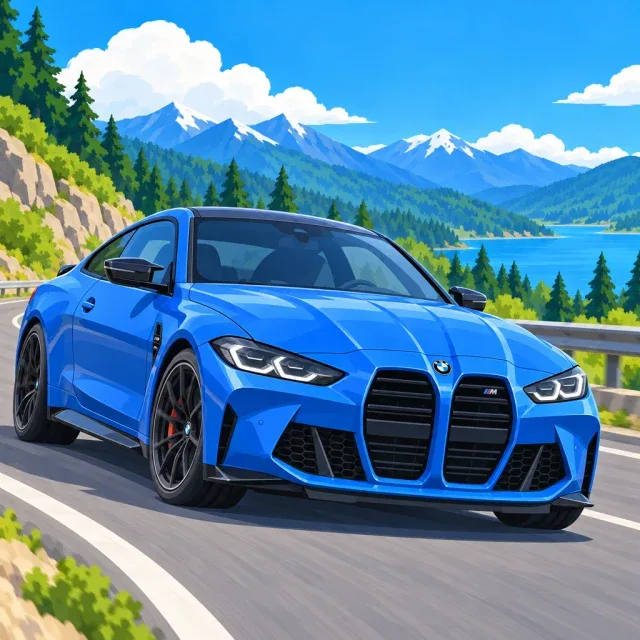
BMW coloring pages
These BMW coloring pages are free, with no account needed. Choose from classic sedans, modern city cars, and racing machines, then open a drawing as a PDF ready to print. The gallery includes easy outlines for younger colorists and more detailed scenes for anyone who wants to take their time.
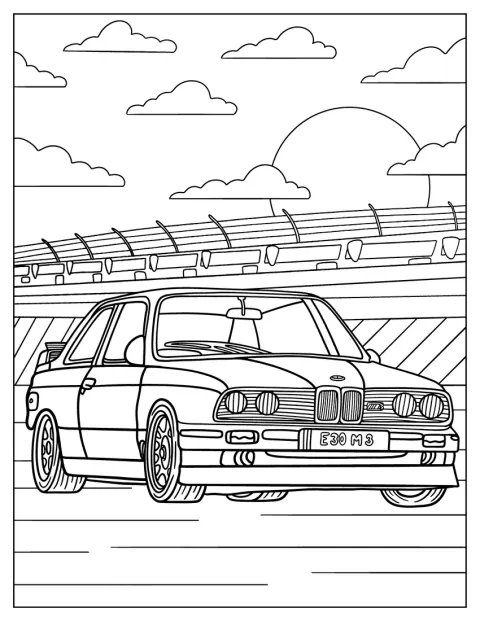
Parked BMW 3 Series E30 Coloring Page
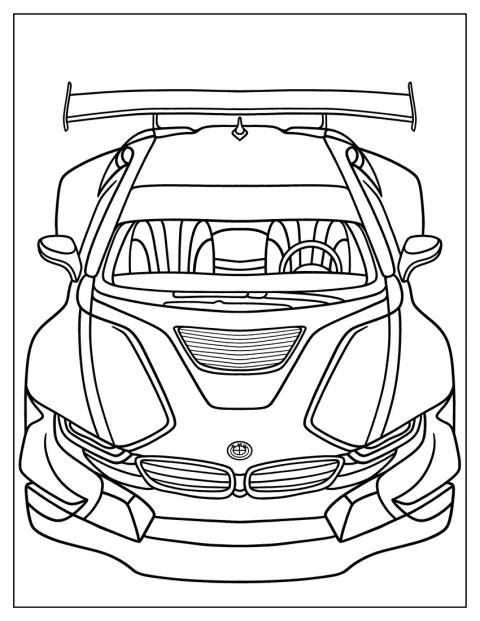
Front Of BMW i8 Race Car
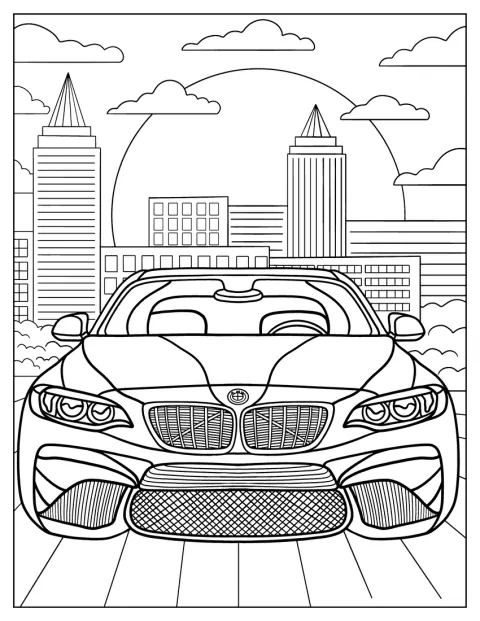
Detailed BMW M2 In City Coloring Sheet
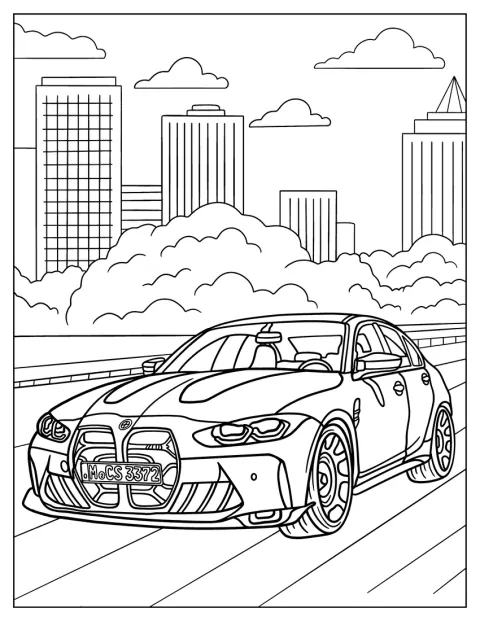
BMW Series 3 Berline With Cloudy Background Coloring Sheet
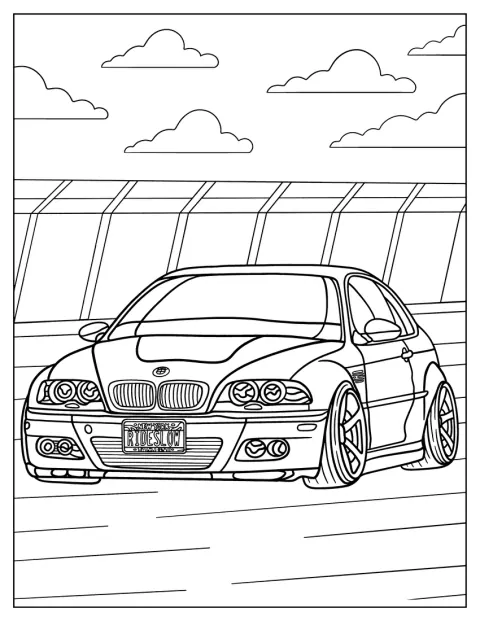
BMW E46 M3 On The Road
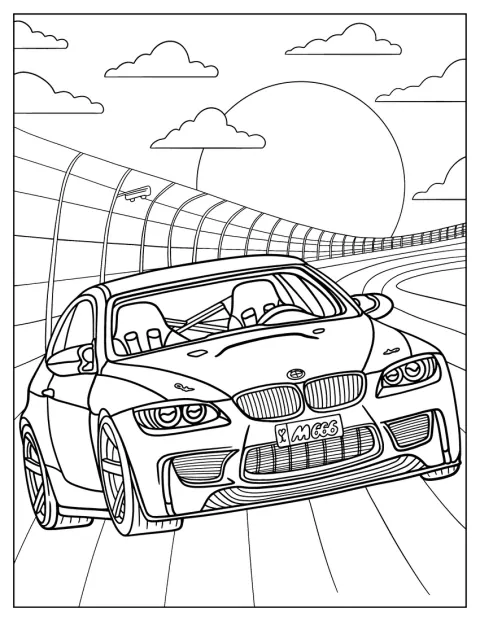
Detailed BMW E92
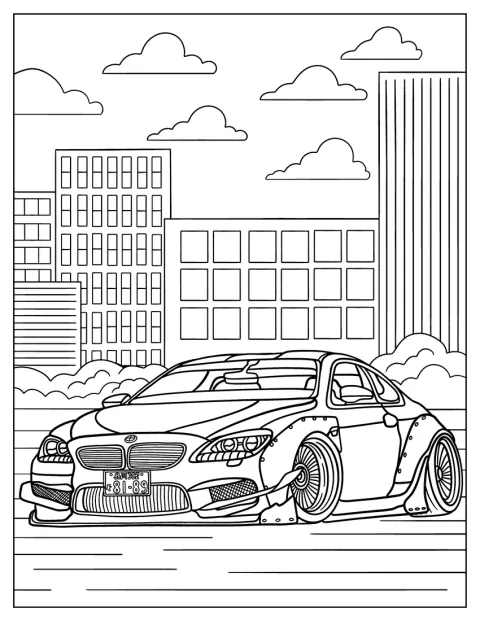
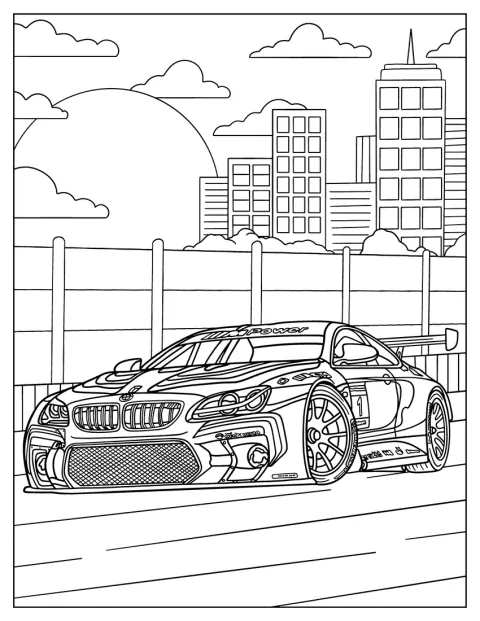
BMW M6 In Front Of Buildings Coloring Page
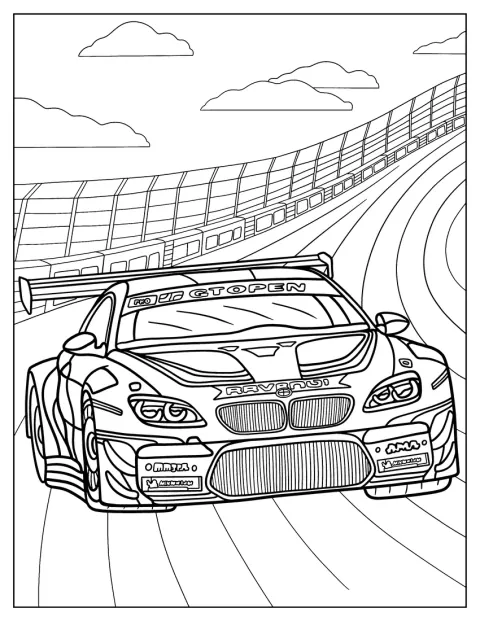
BMW M6 GT3 On Race Track Coloring Page
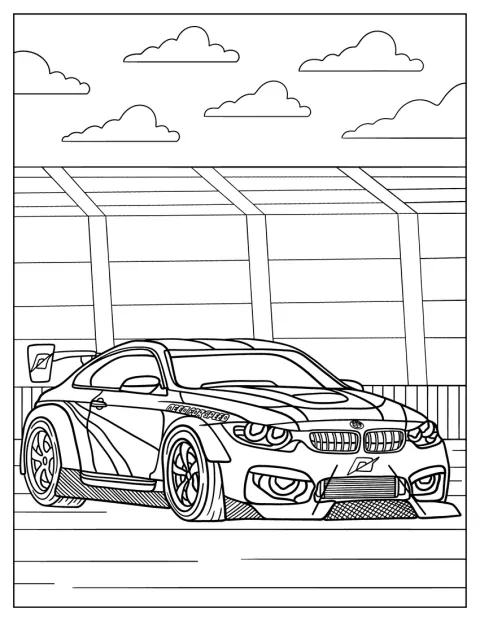
BMW M4 Race Car Coloring Sheet
BMW Logo
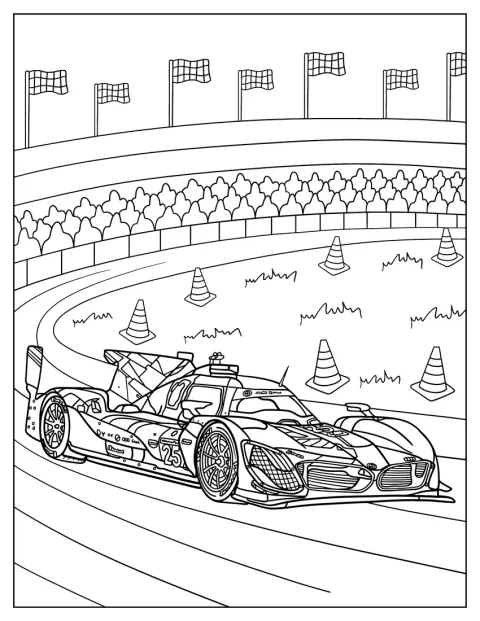
BMW Hybrid V8 GTP Racing Coloring Sheet
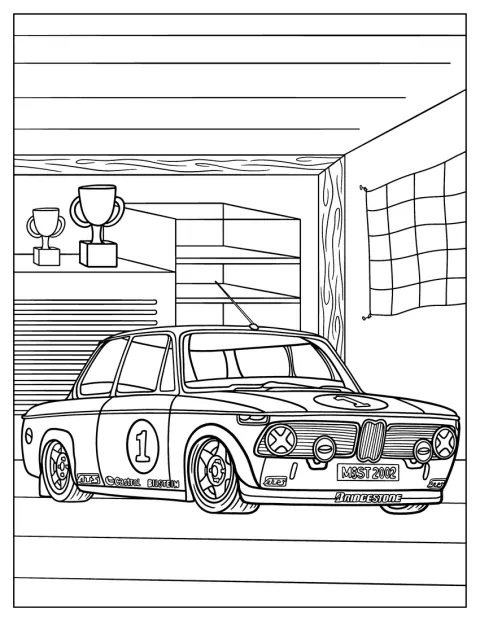
BMW 2002tii In Garage Coloring Page For Kids
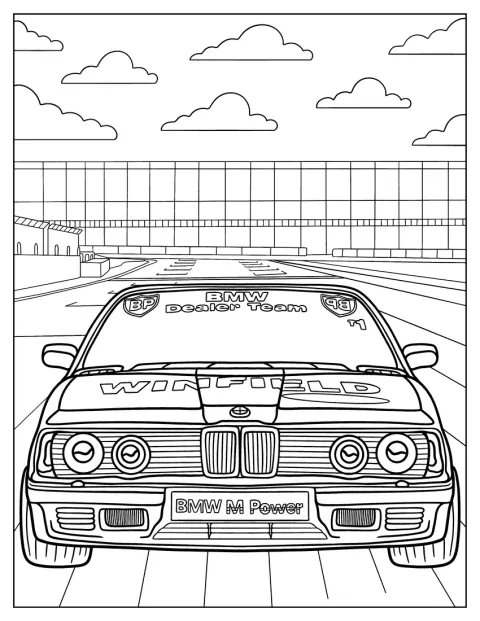
BMW 745i E23 Front View Coloring Sheet
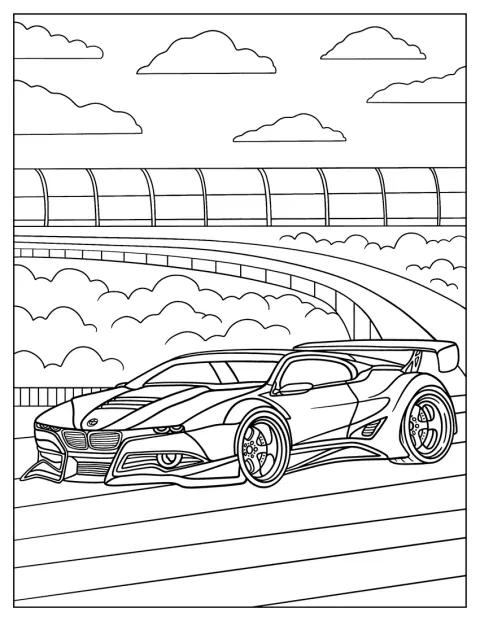
BMW 3.0 CSL Hommage Coloring Page For Kids
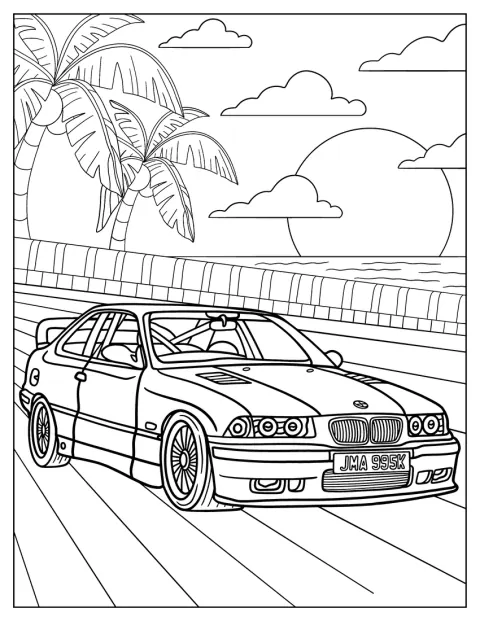
BMW 3 Series E36 On The Road Coloring Page
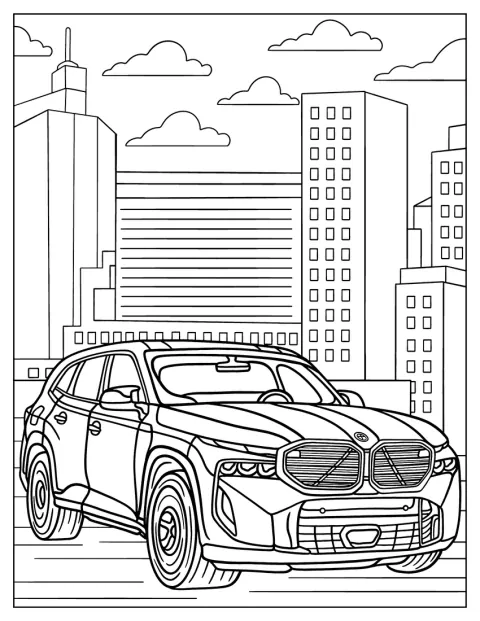
2024 BMW XM Label Red In The City
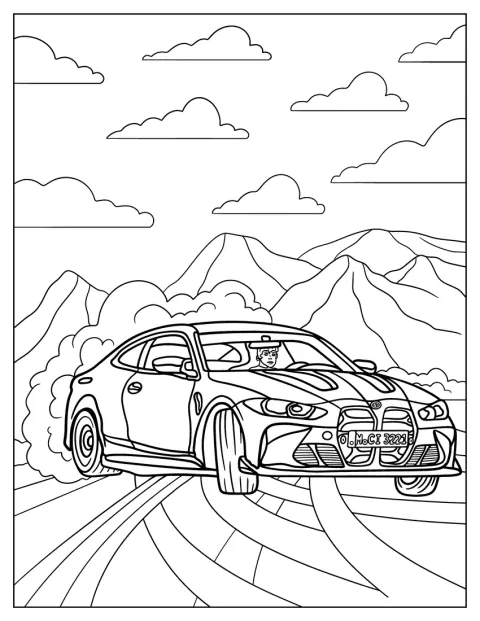
2023 BMW M4 Competition Drifting Coloring Sheet
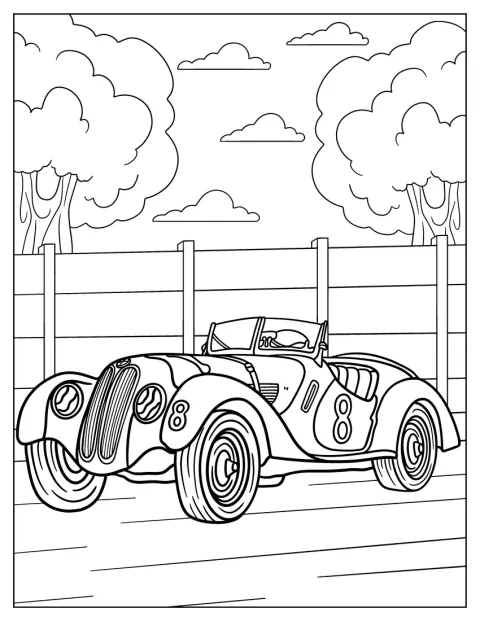
Vintage BMW 328 Coloring Page
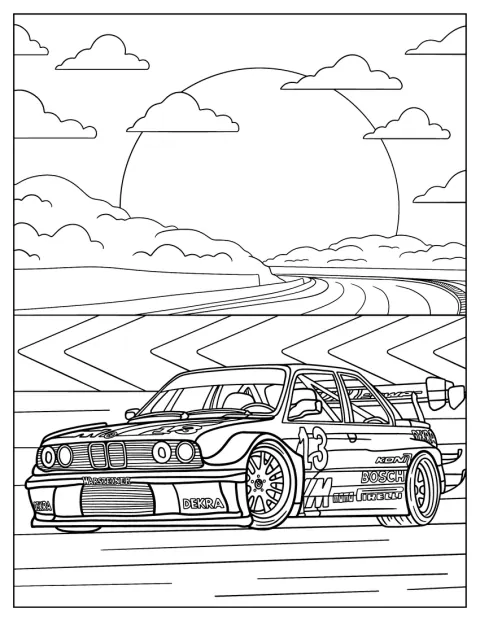
Detailed BMW 3 Series (E30) On Race Track At Sunset
No picture found
The pictures in this collection are temporarily unavailable.
See the other collectionsFree, printable BMW coloring pages
The collection ranges from parked cars and street scenes to race cars on the track. You can pick a BMW 3 Series E30, E36, or E92, a vintage 328, or a newer M4, XM, or i8. Some drawings keep the car shape bold and simple; others add buildings, clouds, a garage, or a sunset to fill in.
Set up a BMW car-spotting game
Turn coloring into a quick observation game. Before anyone starts, invite them to find details such as the headlights, windows, wheels, grille, and spoiler, then name each one as they color it. For a race scene, make up a finish-line story and let each person choose where the cars are headed next.
If you are using the pages with a group, give each person a different model to color. Compare the finished cars and look for details that stand out, such as a low front, broad tires, or a roofline that slopes toward the back. Pair this with more Car drawings if you want to compare different kinds of vehicles.
Choose colors for the cars and scenes
For a lifelike look, use one main paint color for the body, then choose a darker shade for the tires and window outlines. Silver, black, red, and blue are familiar choices for car designs, but you can give an M4, M6 GT3, or i8 any color you like. A second shade on the hood or roof can make the body easier to read.
The BMW logo drawing suits blue, white, and black, while the city and garage scenes give you room to color the surroundings too. Try warm orange and pink in the E30 track scene at sunset, or use gray pavement and bright track accents around the racing cars.
Spot the difference between road cars and racers
Look first at the body and the setting. The 3 Series, 745i, and XM appear as road cars, while the M6 GT3 and Hybrid V8 GTP are shown in racing contexts; track scenes may include features such as a spoiler and racing tires. Not every detail is visible in every drawing, so use the outline as a guide rather than trying to make every model look alike.
The settings help tell a small story, too. A BMW parked by buildings feels different from one turning on a circuit, and a car in a garage invites a before-the-race scene. These details can also help kids notice how a Race Car differs from a car shown on the road.
Choose a drawing by age and coloring level
Start with the amount of detail the colorist enjoys, rather than age alone. A preschooler may prefer a large car shape and a few open areas, while a seven-year-old who likes vehicles may enjoy adding color to the wheels, windows, and background. Older children and adults can take on the smaller outlines and layered settings.
Easy BMW coloring pages for kids
The parked E30, 3.0 CSL Hommage, and E36 on the road are good picks for a young child who wants to focus on one clear car. The M6 in front of buildings and the M4 race car keep the main vehicle prominent, while the 2002tii in a garage gives kids a simple setting to color around. The front view of the 745i also makes the headlights and grille easy to spot.
For a little more to look at without a densely filled scene, try the drifting 2023 M4 Competition or the E46 M3 on the road. The Hybrid V8 GTP and M6 GT3 introduce racing shapes, and the medium-detail vintage 328 or BMW logo can suit colorists ready to work more carefully.
Detailed BMW coloring pages for adults
Choose the detailed E30 on a race track at sunset for a scene with both car and background to work through. The E92 and M2 in the city offer extra lines around the body and surroundings, while the front of the i8 and realistic M6 GT3 reward a slower approach to headlights, grille, wheels, and trim. Colored pencils can help keep these smaller areas neat.
Print BMW coloring pages as PDFs
Each drawing has an “Open the PDF” button to show its PDF and a “Print” button to print it directly, including from a phone. In the print settings, choose fit to page if you want the whole car and background to stay within the paper edges. Regular paper works well with colored pencils; thicker paper is a helpful choice for markers.